
|
Setting up Approvals for Projects
To Set up Approvals for Projects
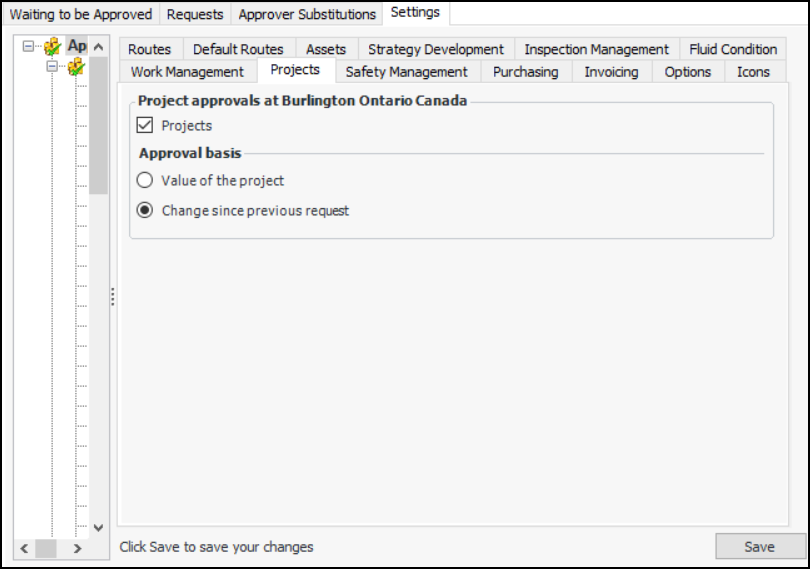
1. Select the site’s Approvals view, Settings tab, and then select the Approval Settings node in the tree.
2. Select the Projects tab.
3.
4. Select Projects.
• Value of the project – Approval is based on the total value of the document
• Change since previous request – Approval is based on the net change in the value of the document. For example, if the document was approved for $1000 and then redrafted and changed to $1,150, re-approval is required for the $150 difference.
6. Click Save.