|
|


Adding Currency Exchange Rates
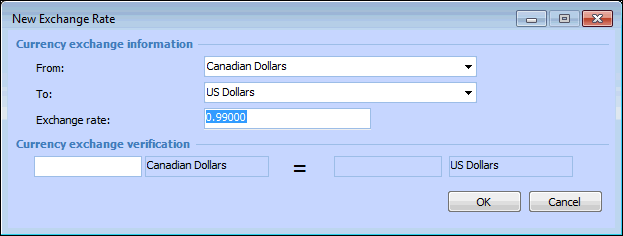
You can enter a new exchange rate for a currency combination as often as once per day, but not more than once in a day. The previously entered rate is automatically expired with an expiration date of the previous day. For example, if a new rate is entered on February 1, the previous rate’s expiration date is January 31. This ensures that there are no gaps in the currency’s exchange rates. You can view current and expired exchange rates on the Exchange Rate History tab in the enterprise’s Accounting view, Currencies tab. You can also delete expired rates, if you want.To Add a New Exchange Rate