|
Setting up UI Types
To Define a UI Type
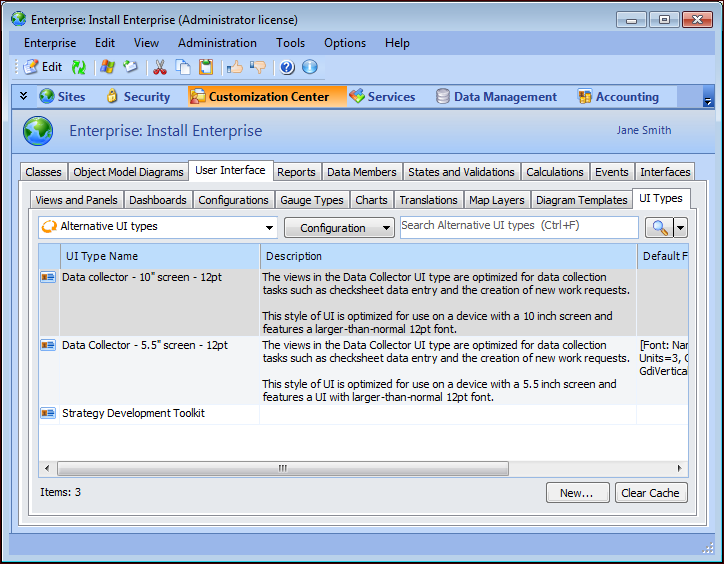
2. Select the Customization Center view.
3. Select the User Interface tab, and then the UI Types tab. This tab lists UI Types that have been defined for the enterprise.
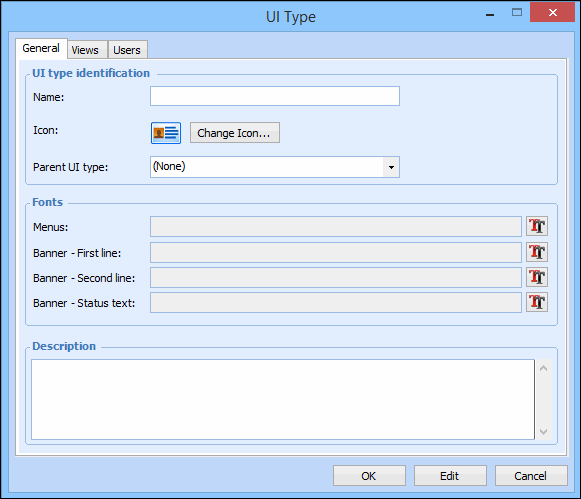
4. Click New. The UI Type dialog appears.
5. On the General tab, provide a descriptive name for the UI type.
8. In the Description box, you can enter a description of the UI type.
9. On the Views tab, you can view the list of views in which this UI type is used.
10. When you have finished defining the UI type, click OK. The UI type appears in the list.