|
Formatting Row Data in Table Configurations
By default, APM formats the text in all rows using the same font, style, size, and color.
• Boolean: You can create two formatting rules, one for when the value is true and one for when the value is false.
• Enumerated: You can create as many formatting rules as there are enumerated values. For example, you could create four different formatting rules for RCM2 analysis status because there are four possible values.To Format Row Data
2.
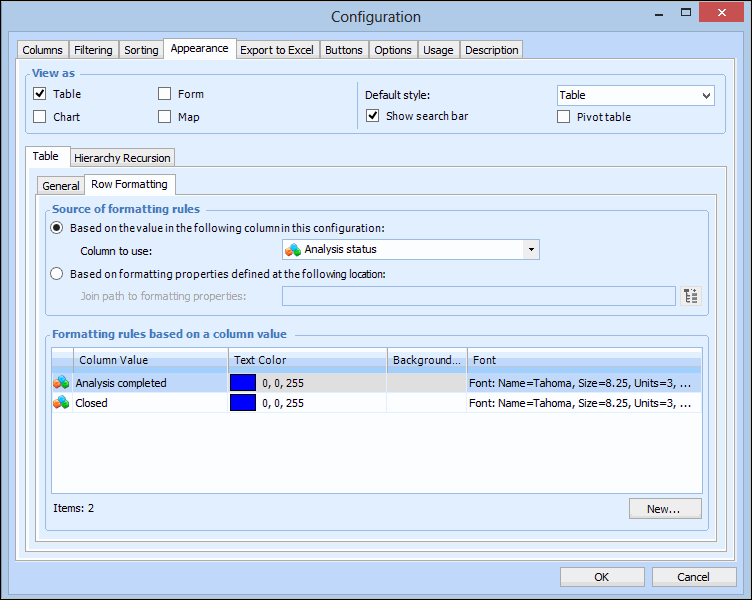
3. Note: If there are no columns in the configuration that contain boolean or enumerated list data, the Column to use list will be blank.
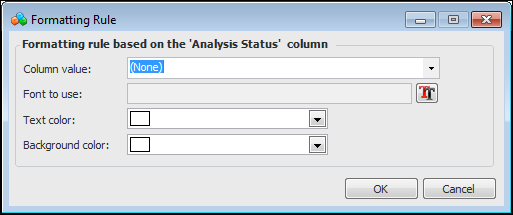
5. Click New. The Formatting Rule dialog appears.
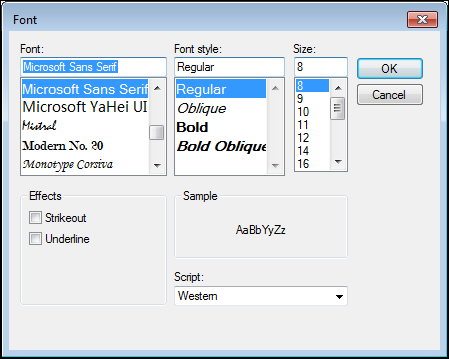
7. Click the Font icon. The Font dialog appears.
11. Click OK to save your changes and close the Formatting Rule dialog. The table displays all the rules that you have created for the selected column.
12. Click OK to save the changes and close the Configuration dialog.