|
Reviewing Fluid Sample Test Results
To Review a Sample’s Lab Report
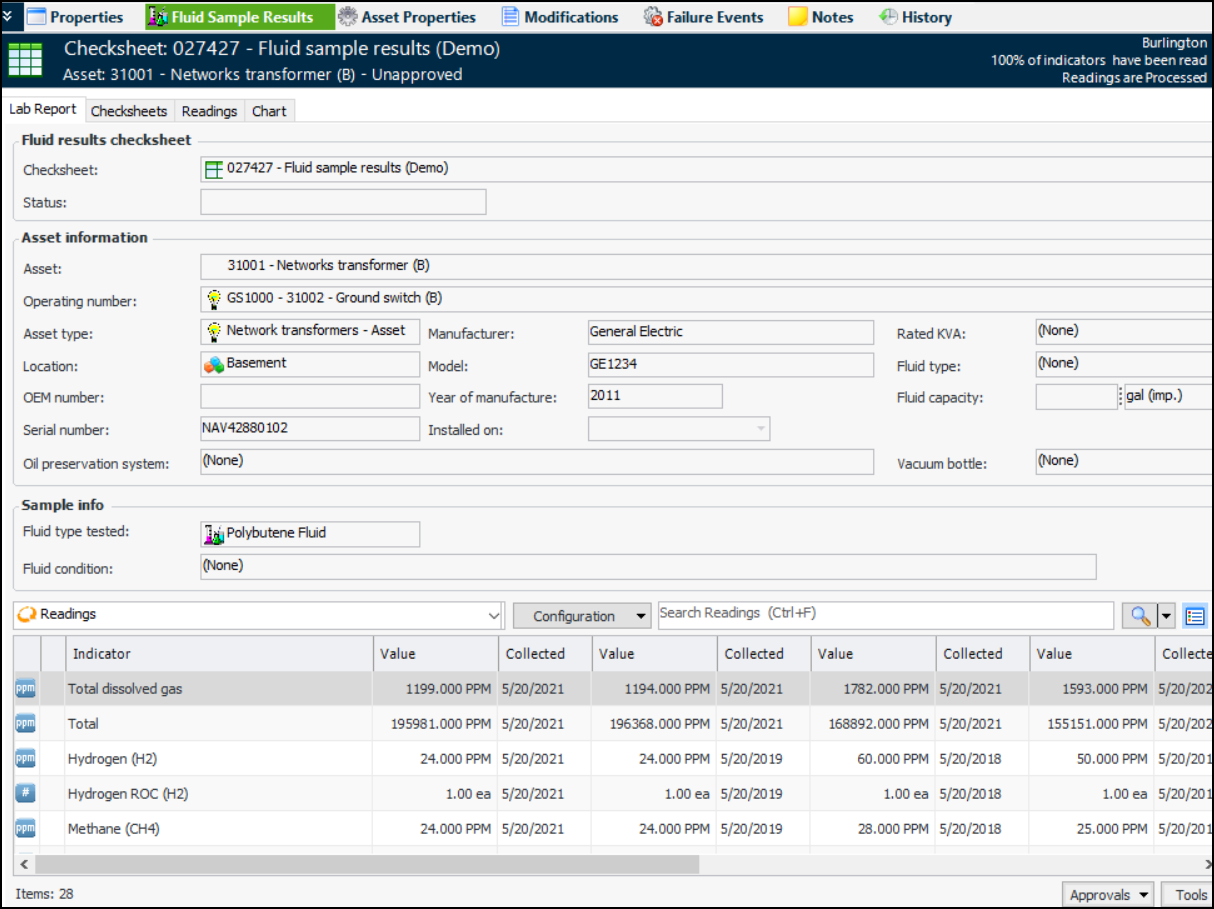
1. In the Site window, select the Fluid Condition view and the Fluid Condition Checksheets tab. Locate and open the checksheet.
2.
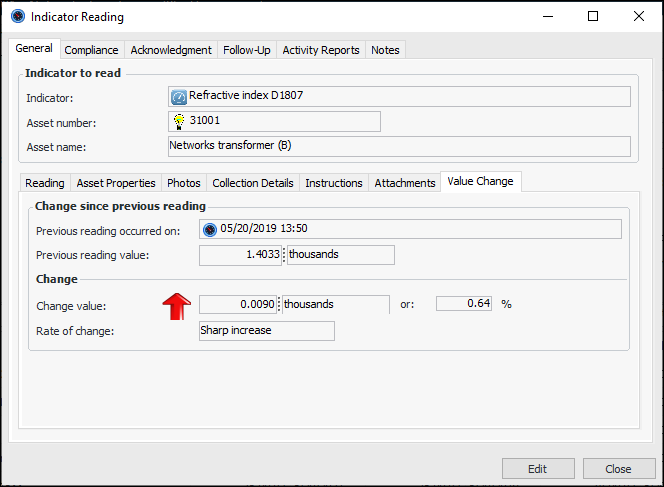
3. If a reading’s indicator type has been set up to track the rate of change between reading values, when you open the reading, the Value Change tab is available on the General tab. For example:
4. If the checksheet includes calculated indicators that use readings from other indicators as inputs, you can trigger their calculations by clicking the Tools list and clicking Trigger Calculations.
5. When you have finished reviewing the checksheet, process the checksheet by clicking the Tools list and clicking Mark as Completed.