|
Setting up Indicator Templates for Fluid Sample Collection
To Create an Indicator Template for Fluid Sample Collection
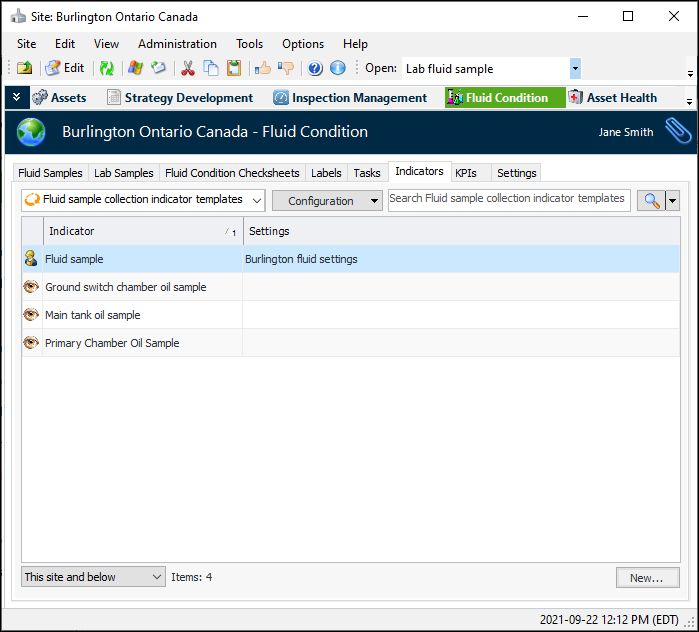
1. In the Site window, select the Fluid Condition view and Indicators tab. The default table configuration, “Fluid sample collection indicators”, lists existing indicators.Note: You can also create fluid sample indicator templates in the site’s Inspection Management view, Templates tab.
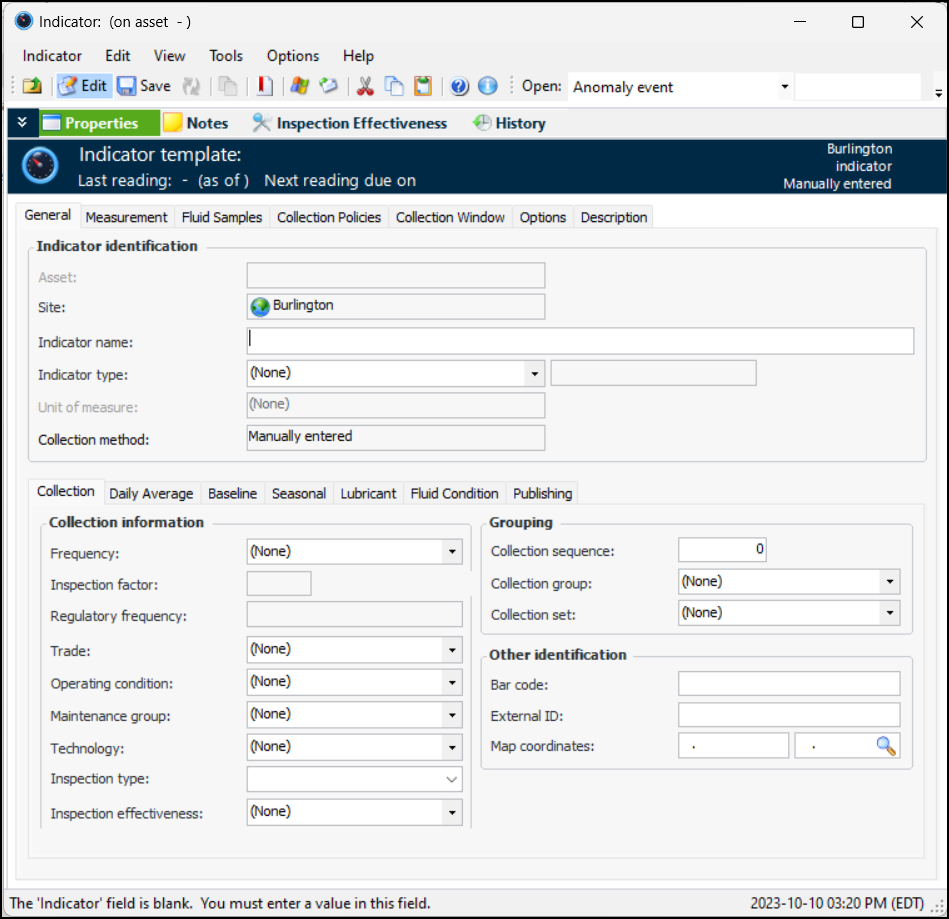
3. Click New. The Indicator window opens:
6.
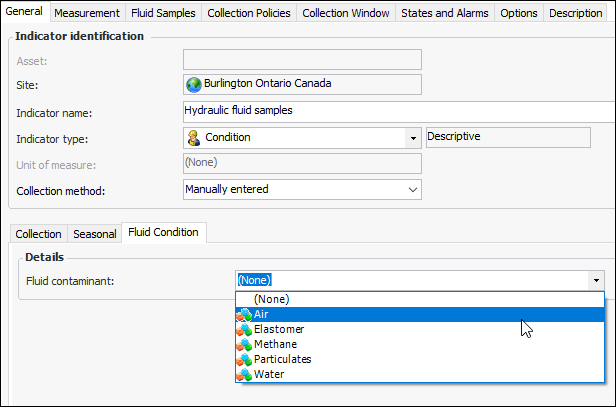
7. In the Fluid contaminant list, select the most common contaminant for this fluid. For example:
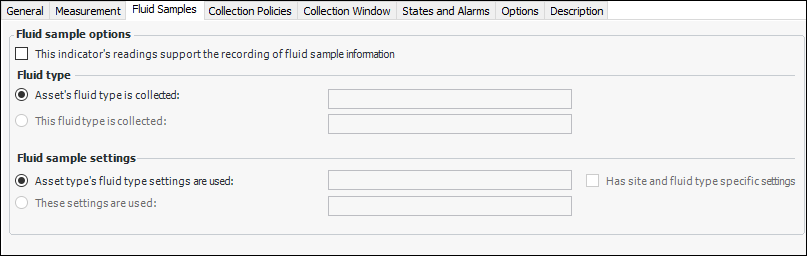
8. Select the Fluid Samples tab:
9. Select This indicator’s readings support the recording of fluid sample information.
10. In the Fluid type area, specify whether the default fluid type in indicator readings is taken from the indicator asset or set to the fluid type you select here.
11. In the Fluid sample settings area, specify whether the sample settings are taken from the indicator asset type or set to the settings you select here.
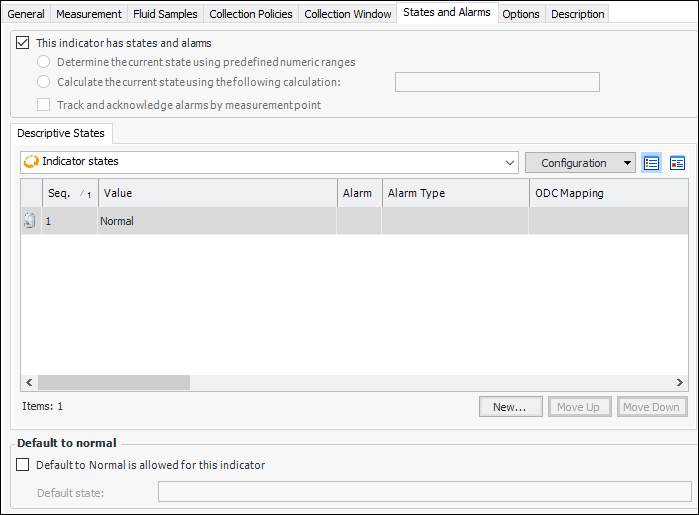
12. Select the States and Alarms tab.
14. In the Indicator State window, select the Fluid Sample tab and select Include fluid sample information readings with this state. Click OK to close the window.
•
• Click OK.