Reopening a Failure Record

Failures that were prematurely resolved or canceled can be reopened. Reopening a failure record allows changes to be made to the failure’s information (for example, changing the failure mode or modifying the date on which the failure occurred). When a failure record is reopened, its status changes to Open and its restoration times (RT, MT, TTR) are cleared.

To Reopen a Failure

1.
On the site’s Performance Management view, select the Failures and Downtime tab, and then the Failures tab.
2.
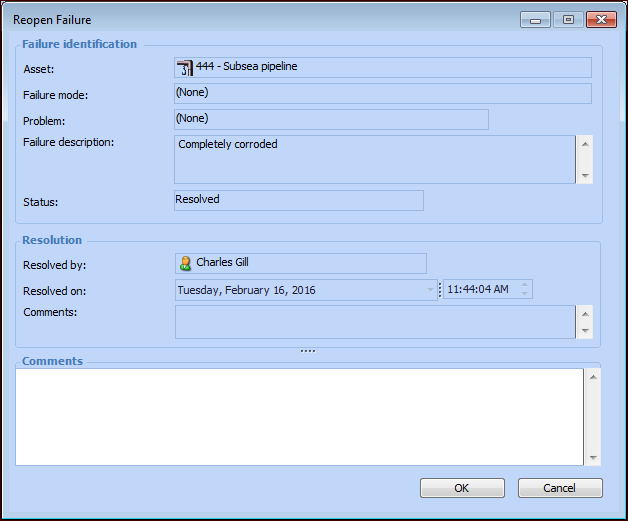
Right-click the failure and select Reopen. The Reopen Failure dialog appears.
Tip: You can also open the failure record, select the Failure menu and then Reopen.
Information about the failure is displayed on the dialog for your review.
3.
4.
Click OK. The failure record’s status is changed to Open.