|
Entering and Reviewing Comments on a Failure
To Enter a Comment
1.
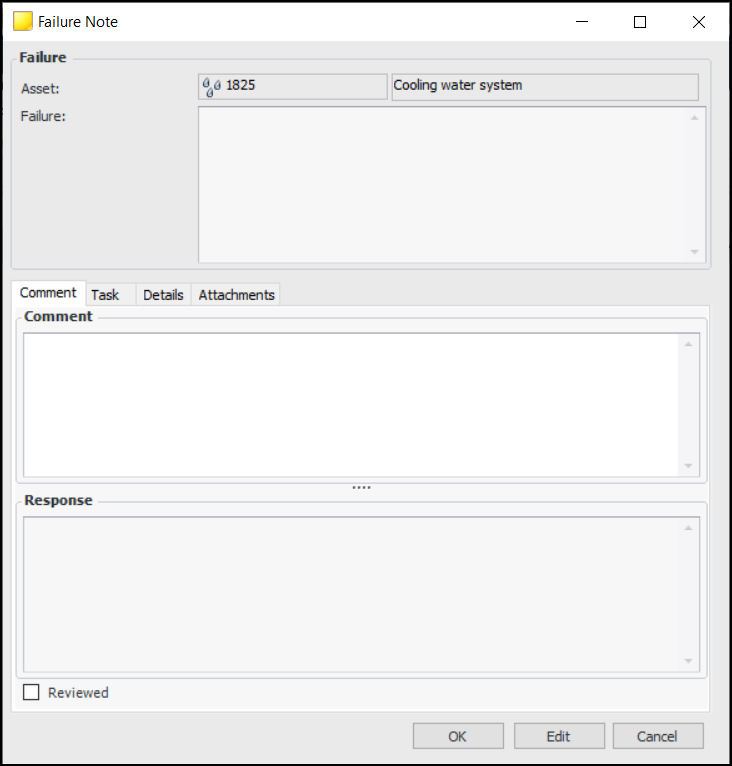
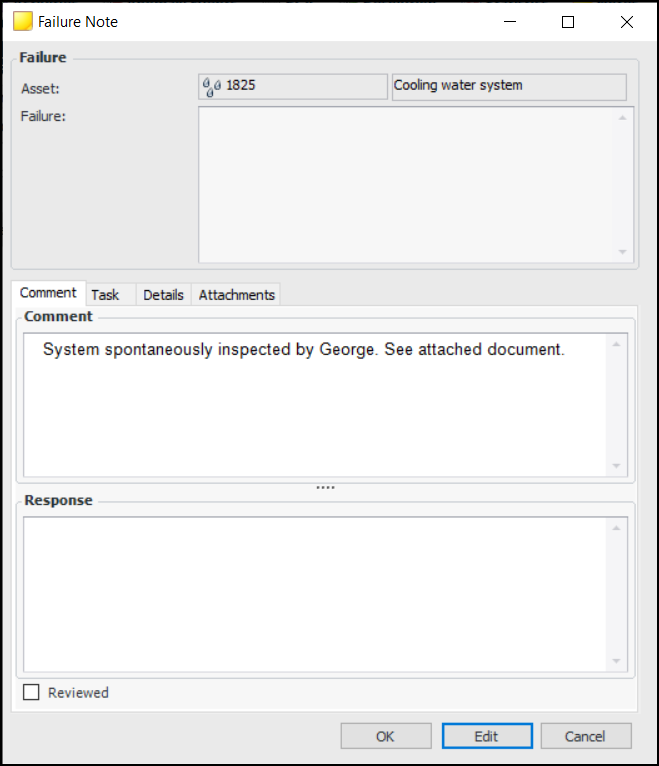
2. Click New to add a comment. The Failure Note window appears, where you can record information and add attachments. For example:
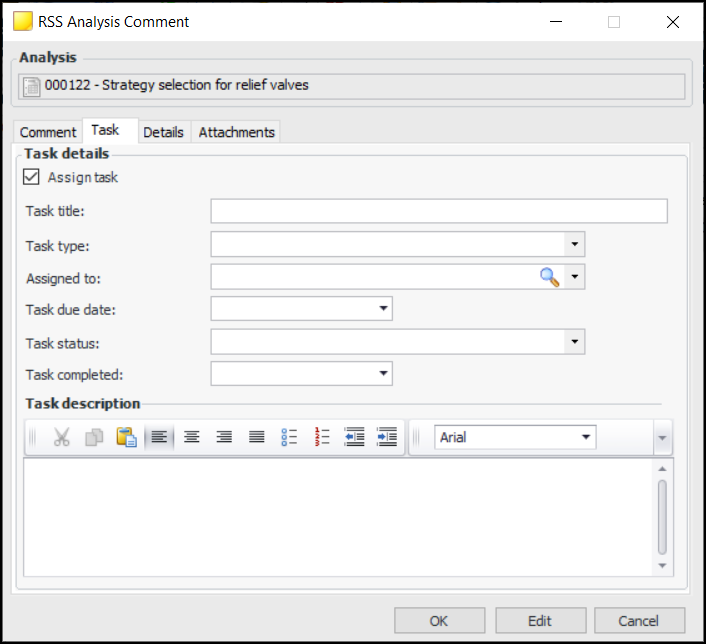
3.
5. Click OK to close the window.To Edit or Respond to a Comment
1. Double-click the comment in the Comments tab to open the window.
2. Click Edit to modify the comment, add a response, or mark the comment as reviewed. You can also add attachments and view details about the comment’s history.
3. Click OK to close the window.To Review, Delete, or Copy a Comment
1. To mark a comment as reviewed, select it in the Comments tab and click Mark as Reviewed. The Reviewed By, Reviewed On, and Reviewed columns are populated for that comment.
2. To delete a comment, right-click it in the Comments tab and click Delete. The comment is removed from APM.
3. To copy a comment, right-click it in the Comments tab and click Copy. The Comment window opens showing a copy of the original. When you are finished working with the comment, click OK to close the window.