
|
Canceling a Failure Record
To Cancel a Failure Record
1. On the site’s Performance Management view, select the Failures and Downtime tab and then the Failures tab.
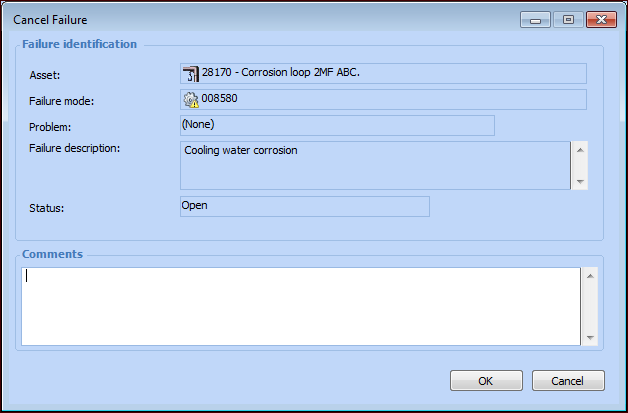
2. Right-click the failure and select Cancel Failure. The Cancel Failure dialog appears.Note: To cancel a resolved failure, you must reopen it first. For more information, see Reopening a Failure Record.Tip: You can also open the Failure or Anomaly window, select the Failure menu, and then click Cancel Failure.
3. Describe the reason for the cancellation in the Comments box.
4. Click OK. The failure record’s status is changed to Canceled.