
Linking a Work Order Task to a Failure Record

There are two ways to create a link between a work order task and a failure record:
This topic explains how to link a work order task to an existing failure. For information about linking a failure to a new or existing work order, see Linking a Failure Record to a Work Document.

To Link a Work Order Task to a Failure Record
1.
2.
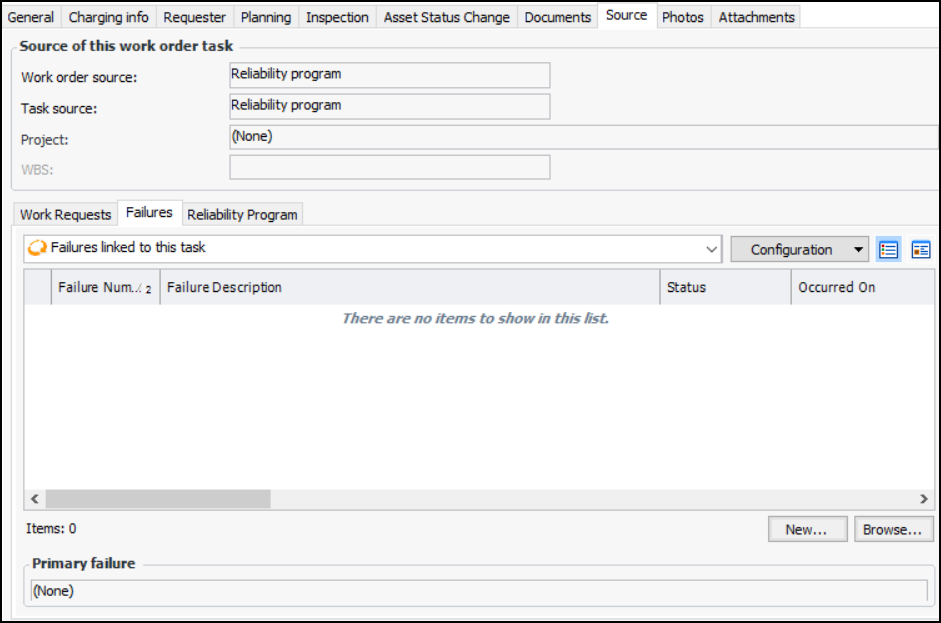
Select the Planning view, Source tab, and Failures tab. For example:
3.
Click Browse. The Browse Failures dialog appears.
4.
Select one or more failures to link to the work order task and click OK. The failures are added to the Failures tab.
5.