
|
Linking a Failure Record to a Work Document
For information about linking a work order task to an existing failure, see Linking a Work Order Task to a Failure Record.To Link a Failure Record to a Work Document
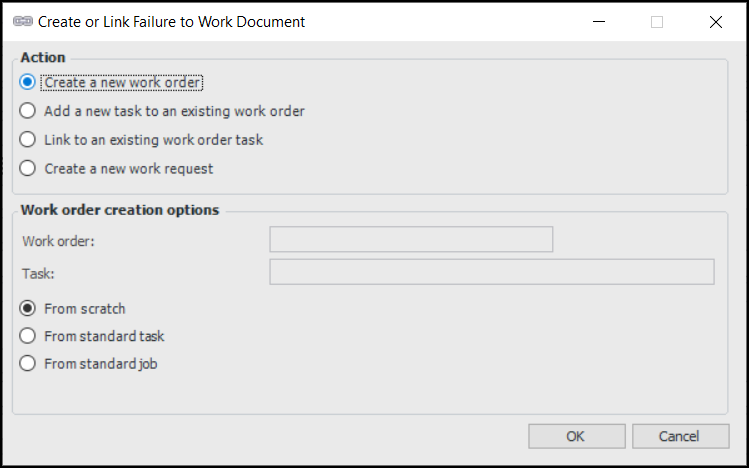
1. Open the failure. From the Tools menu, select Link to Work Order. The Create or Link Failure to Work Document dialog appears.
• Create a new work order: If appropriate, select a standard task, task template, standard job, or job template on which to base the new work order.
• Add a new task to an existing work order: Select a work order on which the new task will be created. If appropriate, select a standard task or task template on which to base the new task.
• Link to an existing work order task: Select an existing work order task to link to. The system creates the link without changing the planning information on the work order and task.
• Create a new work request: When you click OK, the work request is created. This option is enabled if you are creating a work document from a failure record.
4. Click OK. If you chose to create a work order or add a new task to an existing work order, the work order task window opens. If you chose to create a work request, the work request window opens. You can now continue planning the work order task or request. When you are finished entering information about the task, you can: