|
Viewing the Indicators and Readings that Track a Failure
To View Indicators That Track the Failure
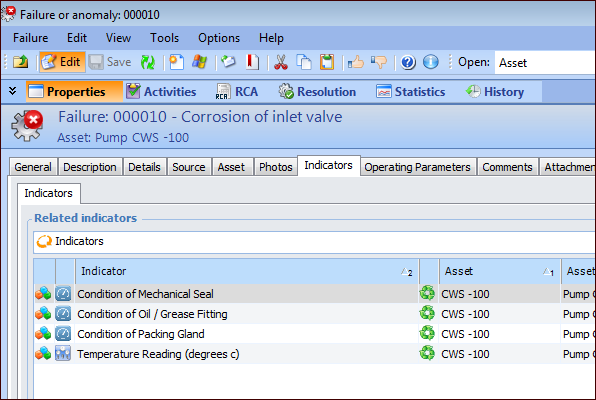
1. Open the Failure or Anomaly window and select the Properties view.
2. Select the Indicators tab.This tab lists the indicators that were copied to the record from its failure mode or that were added to the failure record. Additional tabs are displayed if an indicator monitors its asset’s operating parameters or barriers. For example, the Operating Parameters tab displays the indicator name and the parameters being monitored.To View Indicator Readings
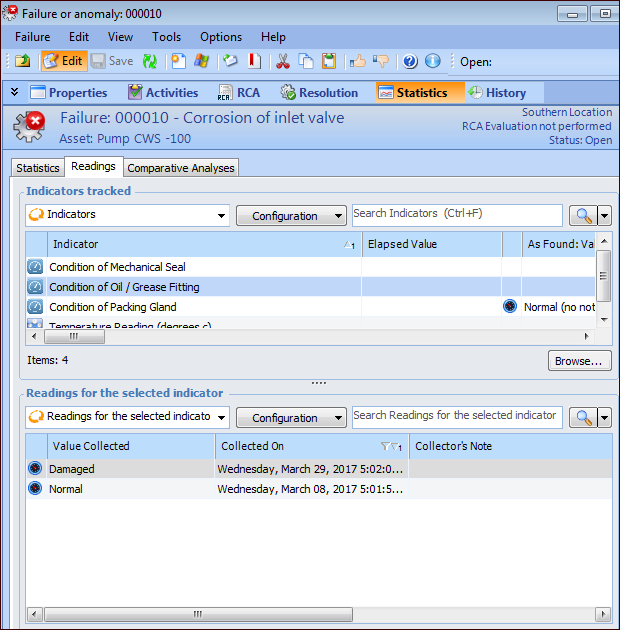
1. Open the Failure or Anomaly window and select the Statistics view.
2. Select the Readings tab.
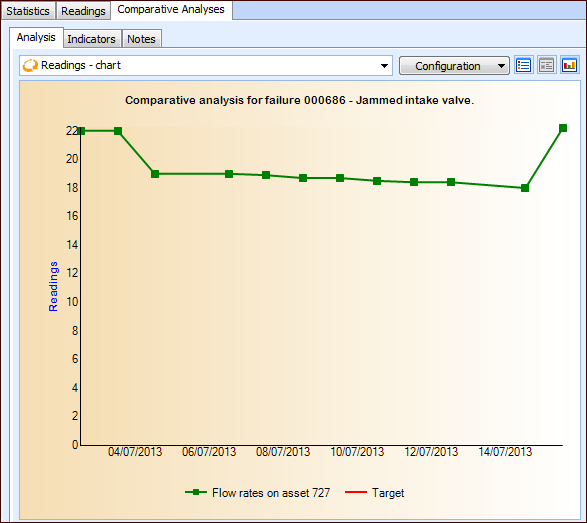
4. If the indicator readings are numeric values, you can view a chart of the readings over time. Select the Comparative Analyses tab.Note: The start and end dates for the snapshot of readings is determined by the failure settings for charting indicator readings. For more information, see Setting Options for Charting Indicator Readings for Failures.To View “Before” and “After” Indicator Readings
1.
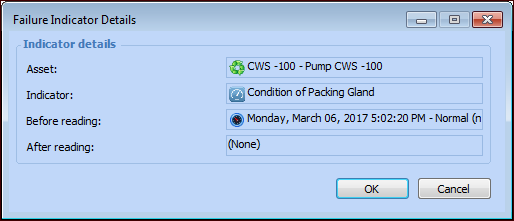
2.