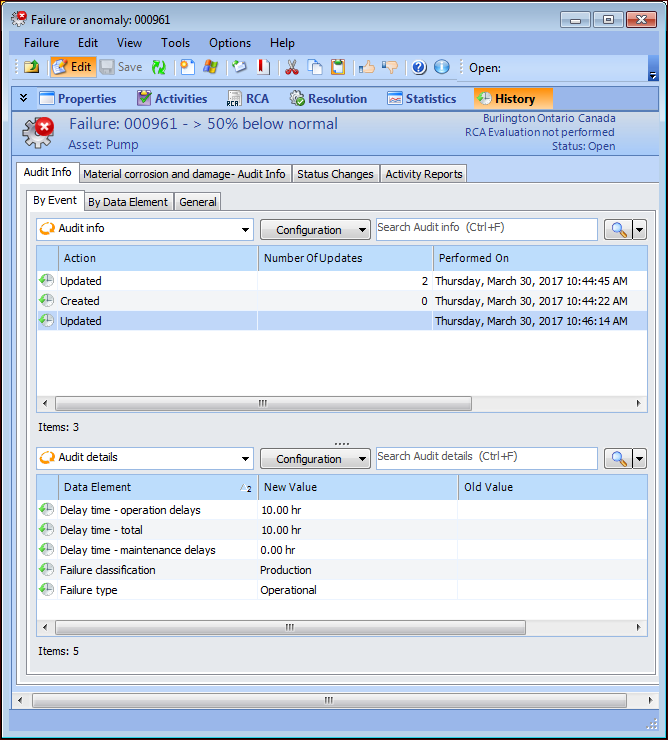
On the Audit Info tab, the
By Event and
By Data Element tabs list the actions performed on the failure record, the date when each action was performed, and the APM user who performed it. Whether you view the actions according to event or data element, you can see the new and old values for each data element. For example:
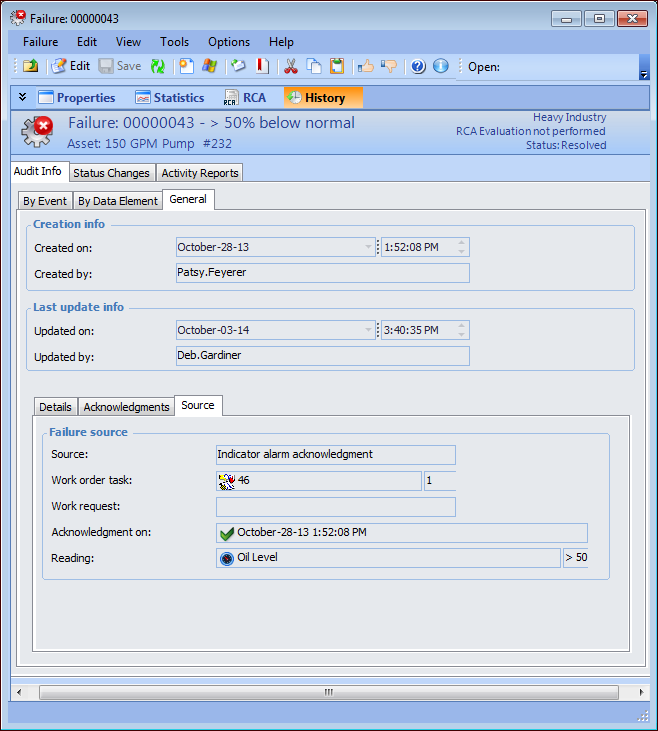
The Audit Info tab,
General tab displays information about the creation of the record, the most recent update, failure details, and the source of the failure record, for example, from an indicator alarm acknowledgment. In this case, the indicator reading that was acknowledged is also listed. For example:
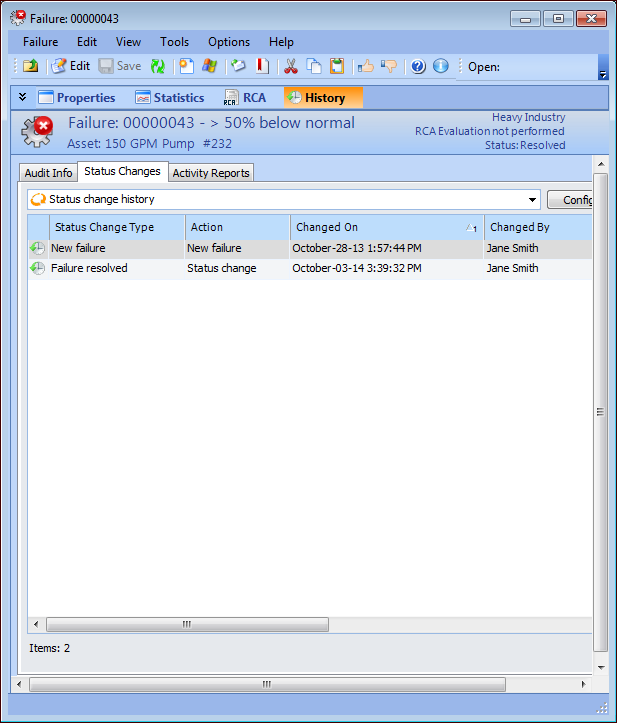
The Status Changes tab lists information about the following status changes:
The Activity Reports tab lists the asset activity reports in which this failure is included.