
|
Viewing a Failure’s Remaining PF Interval
To View a Failure’s Remaining PF Interval
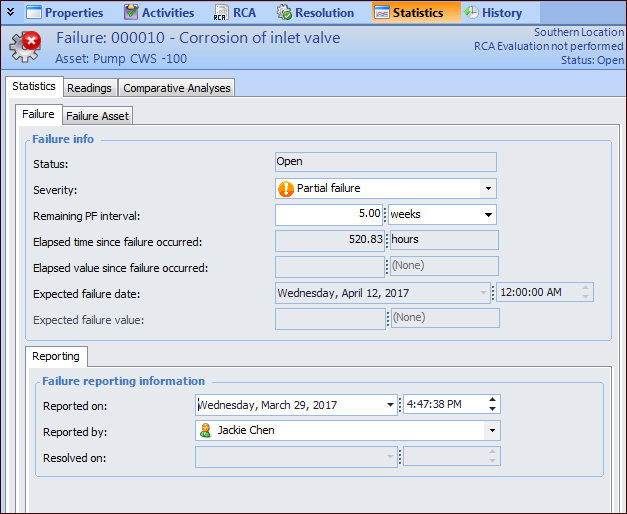
1. Open the Failure or Anomaly window and select the Statistics view.
2.
• Open: APM continues to track failure statistics and the PF interval (if appropriate) for the failure.
• Resolved: Statistics and the PF interval (if appropriate) are no longer calculated.
• Canceled: Statistics and the PF interval (if appropriate) are no longer calculated.
• Total: the asset’s performance has decreased to a point where the asset is no longer performing at its required level. The asset has completely failed.
• Partial: the asset’s performance has decreased to a point where it is no longer performing one of its functions at the specified levels. The asset is still functioning.
• Potential: a condition that has been noticed that would result in an actual failure if the problem is not resolved. The actual failure has not yet occurred. Potential failures are normally reported as the result of an indicator reading that has raised a warning alarm against the asset.