|
Failure Mode Comparison
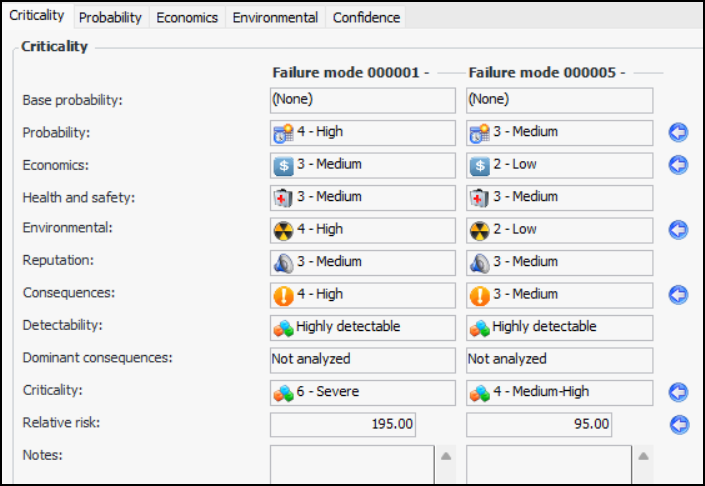
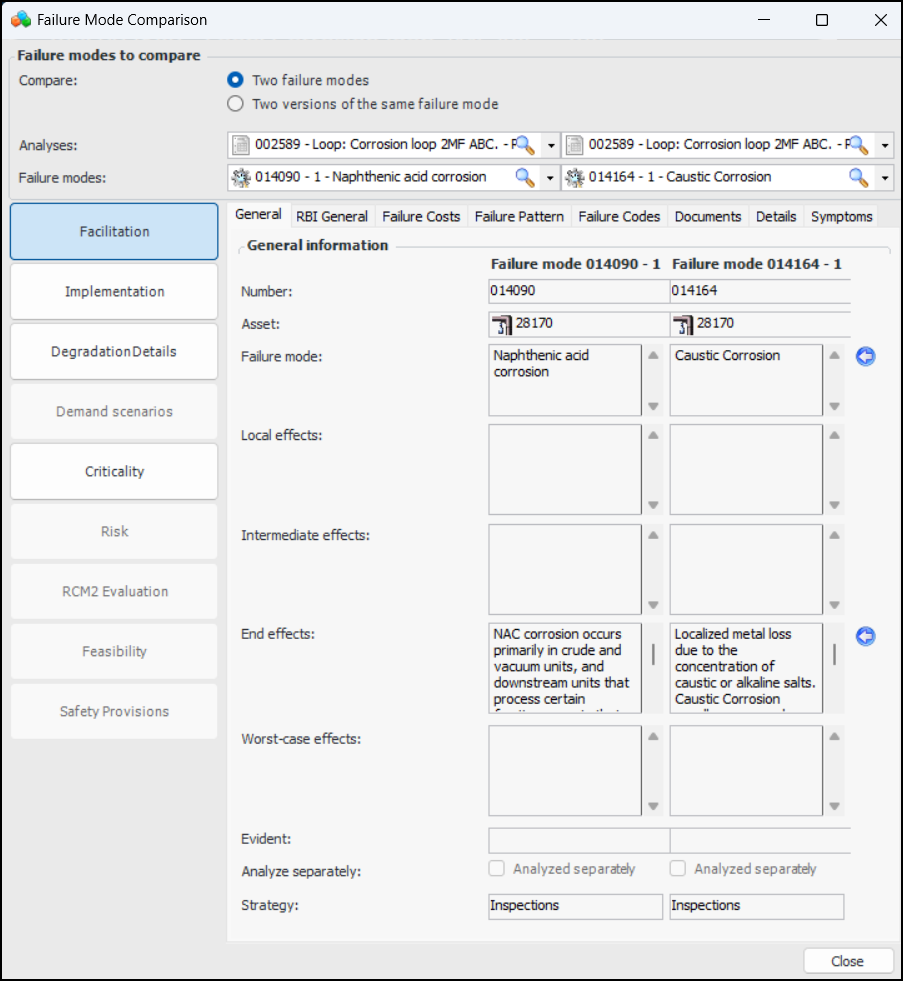
• The view bar allows you to navigate to the different sections of the failure mode. Information is limited to what is relevant to both failure modes. For example, if you are comparing two RCM2 failure modes, the RCM2 Evaluation view is available. If you are comparing an MTA2 and an RCM2 failure mode, the RCM2 Evaluation view is disabled. Here is an example of two RBI failure modes:Starting the Failure Mode Comparison Tool
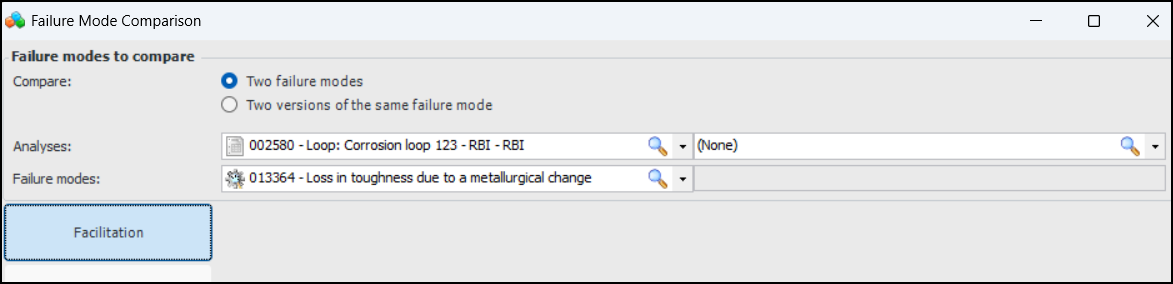
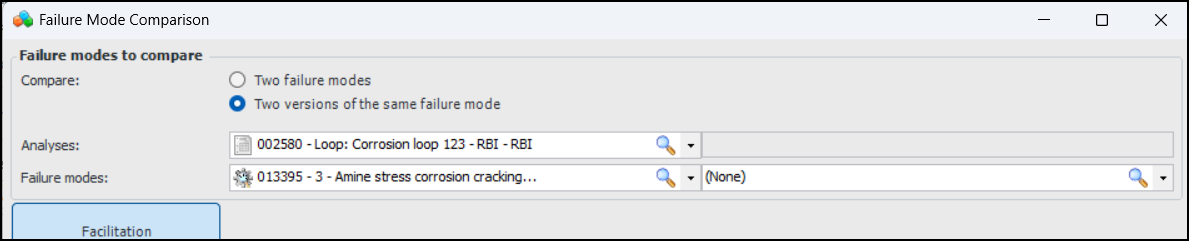
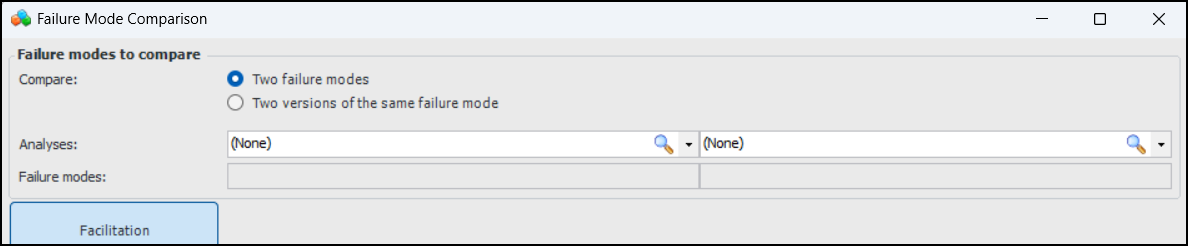
If you open the tool from an analysis or action plan window (select the “Compare” option in the Tools menu), the source items are shown in the Failure Mode Comparison window. Here is an example of the comparison tool opened from a Maintenance Action Plan window:When the analysis supports versioning, Two versions of the same failure mode is selected by default. For example:If you would rather compare failure modes, select Two failure modes.To Compare Failure Modes
1. On Site window, click the Tools menu, Strategy Development, and then Compare Failure Modes. The Failure Mode Comparison window appears.
2. The Two failure modes option is selected by default. If you wish to compare versions, select Two versions of the same failure mode.Select the failure modes to compare. Each Failure modes list displays only the failure modes on the selected analysis.
5. When you are finished, click Close.