|
|


Importing Schedules From Microsoft Project
Schedule Information Imported from Microsoft Project
Note: When you import a schedule back into APM from Microsoft Project, the Long tasks are automatically split option will be turned off. This means that the Project’s dates and times are accepted without creating new split entries.Schedule Information Not Imported from Microsoft Project
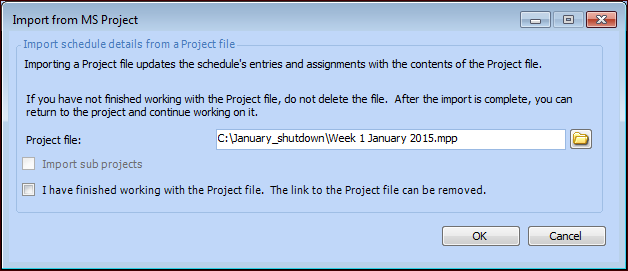
To Import a Schedule From Microsoft Project
 is enabled.