|
Clearing Links to Microsoft Project Files
To Clear a Link to a Microsoft Project File
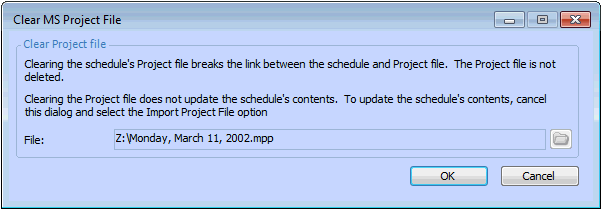
3. From the Tools menu, select MS Project, and then select Clear. The Clear MS Project File dialog appears, and the Microsoft Project file location is displayed.
4. Click OK. The link between your APM schedule and the MS Project file is removed.