
|
Excluding a Supplier From an RFQ Analysis
To Exclude a Supplier
2.
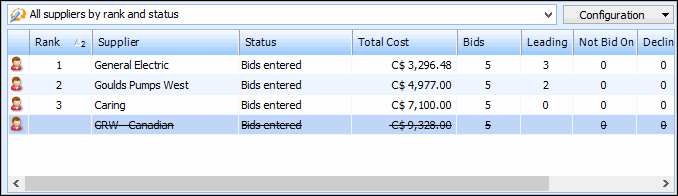
3. Right-click the supplier that you want to exclude and select Exclude From Ranking. The supplier is crossed out, and their ranking information is removed from the table.
4. To re-include the supplier in the analysis, right-click the supplier and select Include in Ranking.