|
Entering Sorting Criteria for Table Configurations
To Enter a Sorting Criterion
2.
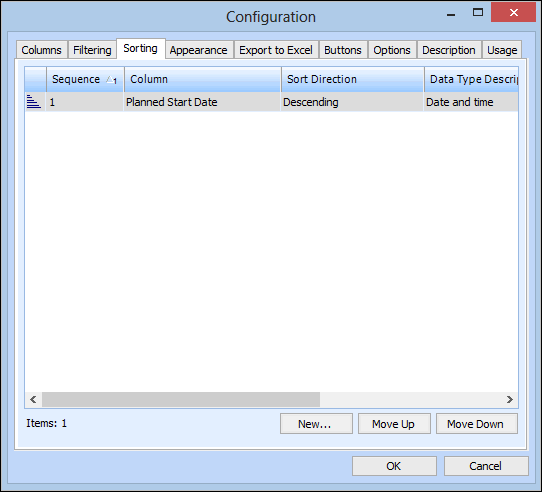
3. Select the Sorting tab.
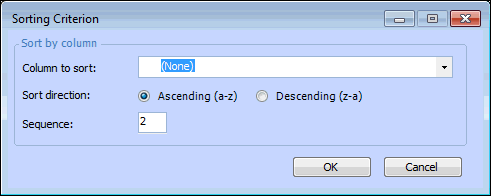
4. Click New. The Sorting Criterion dialog appears.
The direction in which you want items sorted. There are two possible choices: Ascending (1-10, a-z) or Descending (10-1, z-a).
6. Click OK to save your sort and close the Sorting Criterion dialog.
7.