|
Entering Planning Information for a Task Template
A task’s general planning information includes the planned start and completion dates, the task’s estimated duration, and the date by which materials are required. You can enter the name of the planner, the shutdown type, and select or change the primary trade for the task. You can also add the material, labor (trade and service), and tool requirements for the task.This topic explains how to enter information relating to the task’s dates,material, and labor requirements.To Enter Planning Information for a Task Template
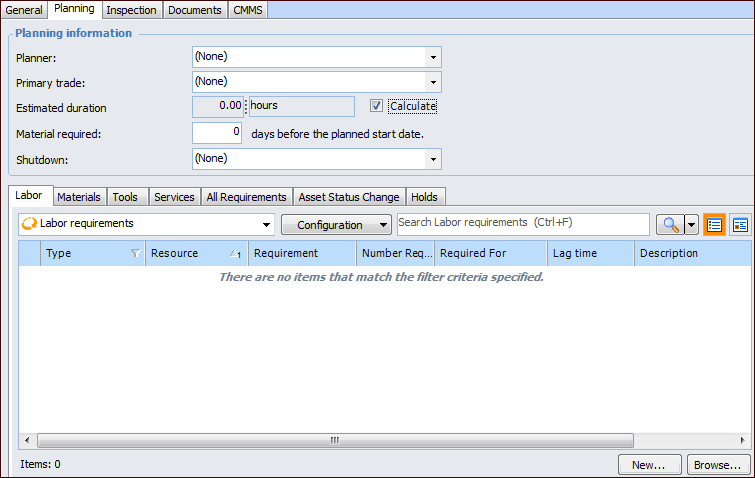
3. Select the Planning tab. This tab shows planning information, including the list of requirements currently selected for the task. The tab is available only if the task’s work type includes planning information.
The approximate length of time that it takes to complete the task. APM uses this information when a task is placed on a schedule.You can enter an estimated duration, or APM can calculate the duration based on the trade, tool, or time-based service requirements. To enter a duration, clear the Calculate option.
The system calculates the task’s estimated duration. APM sets the task’s estimated duration to the trade, tool, or service requirement with the longest total duration (Lag time plus the Required for time).
• One mechanic: 4 hours, 0 lag (4 hours total)
• One electrician: 2 hours, 3 hour lag (5 hours total)
• One mechanic: 2 hours, 5 hour lag (7 hours total)Alternatively, clear the Calculate option to enter the estimated duration.
5. Enter the trade, service, material and tool requirements for the task. For more information, see: