|
Entering and Editing Comments on a Work Order Task
Tip: You can also enter a comment from the Task window, Activity view.To Enter a Comment
1. Open the work order task and select the History view.
2. Select the Comments tab. This tab lists all of the comments entered for the task.
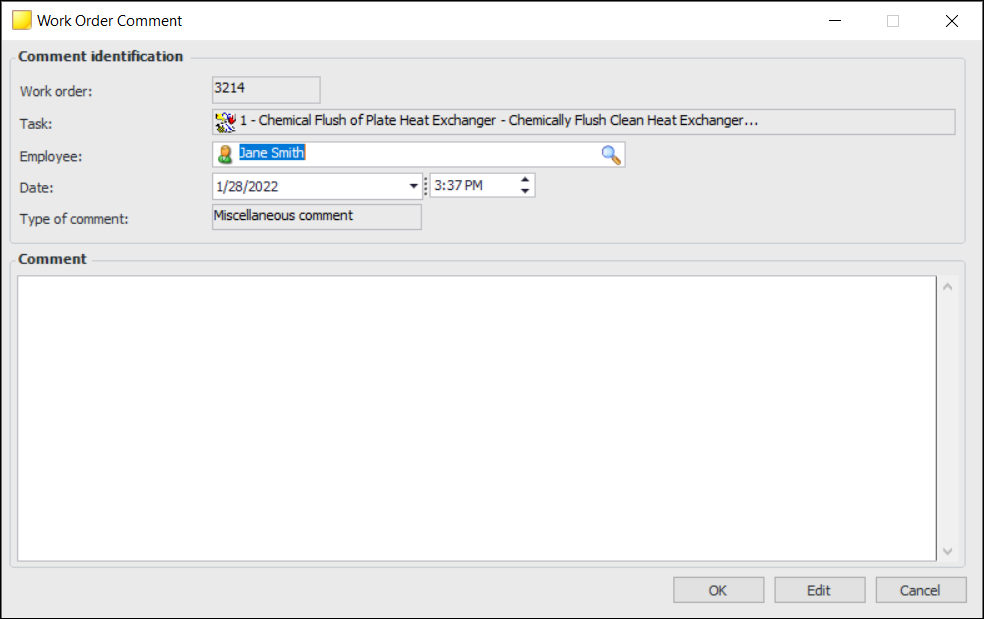
3. Click New. The Work Order Comment dialog appears.
6.To Edit a Comment
1. On the Task window, select the History view, Comments tab to view the list of comments for this work order task.
2. Double-click the comment that you want to edit. The Work Order Comment dialog appears.
3. Click Edit.
4.