
|
Entering a Service Acknowledgment Transaction
To Enter a Service Acknowledgment Transaction
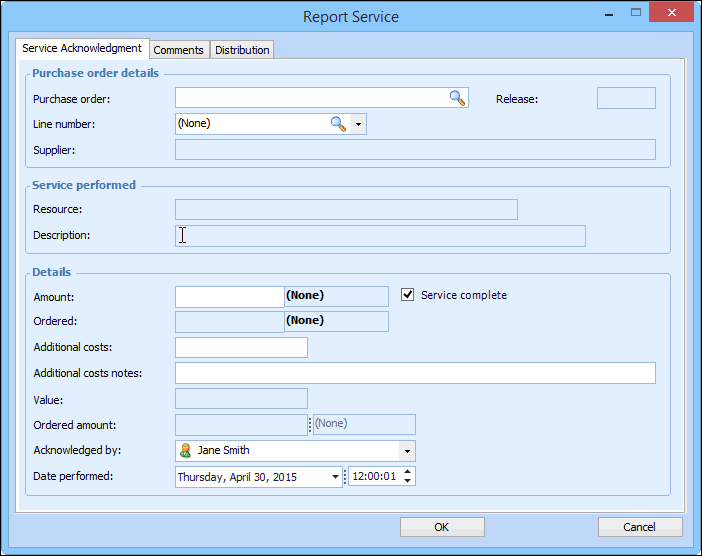
1. On an activity report select the Resources tab and then the Services tab. The tab lists the approved (if approvals are required) and purchased service type resource requirements for the work order task.
3. On the Service Acknowledgment tab, complete the following:
4. On the Comments tab, you can enter a note for the transaction.
5. On the Distribution tab, you can review the charging information. If necessary, you can override the cost type or GL account for the transaction.