|
|


Reporting Activity For Emergency Work
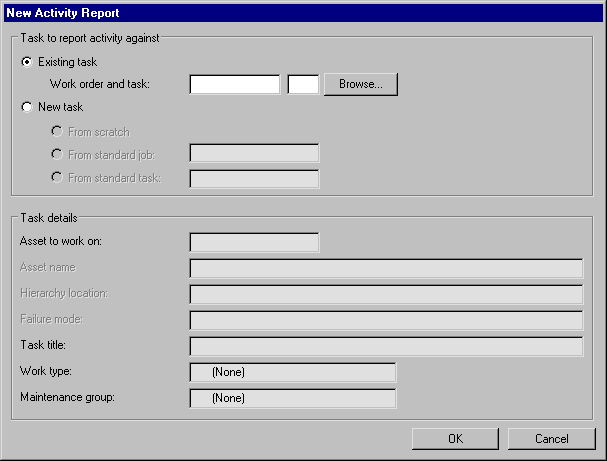
This section explains how to create an activity report from scratch outside the context of a task from the site’s Tools menu. This can be useful when you have worked on something for which no work order or task has been created yet, as in the case of troubleshooter or emergency work.
To Create an Activity Report From Scratch