
Reporting Activity by Work Order Number

This section explains how to create an activity report from scratch from the site’s Tools menu. This can be useful when you know the number of the work order and task you worked on and you don’t need to open it.
Tip: You can also create an activity report from scratch from:
The Work Orders view, Activity Reports tab
The Tools menu on any asset

To Create an Activity Report From Scratch
1.
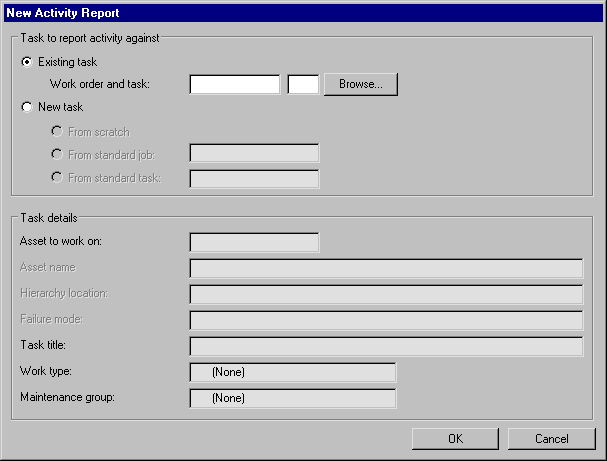
From the site select Tools, New, and then Activity Report. The New Activity Report dialog appears.
2.
Ensure that Existing task is selected, and enter the work order and task numbers.
3.
Click OK. The Activity Report dialog appears.