|
|


Security for Table Buttons
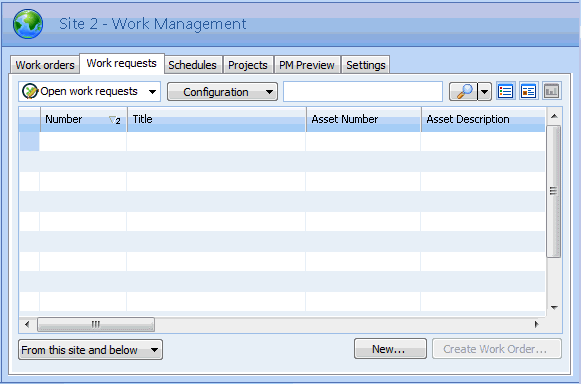
For example, on the site’s Work Management view, Work Requests tab, Open Requests configuration, there is a New button.This button is created through the Site to Work Request relationship. To enable this button, right-click the table and select Mark as Editable. Turning on the site’s New Work Request action will not enable this button (it will only enable the Tools, New, Work Management, Work Request action).