Distributing Costs on a Purchase Order

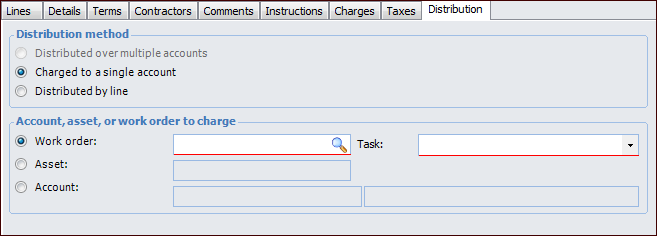
You can distribute costs on a purchase order to one account or by line. If you select the option to charge the entire purchase order to one account, all of the lines must come from the same source, such as a work order. Distributing the costs of the purchase order by line enables you to include purchase demands from a variety of sources, such as more than one work order, on the same purchase order.

To Distribute Costs to One Account

1.
Open the purchase order. On the Properties view, General tab, select the Distribution tab.
2.
Click Charged to a single account. You can only select this option if the existing purchase order lines all come from the same source.
3.
4.

To Distribute Costs by Line

1.
2.
Select the Properties view, General tab, and the Distribution tab.
3.
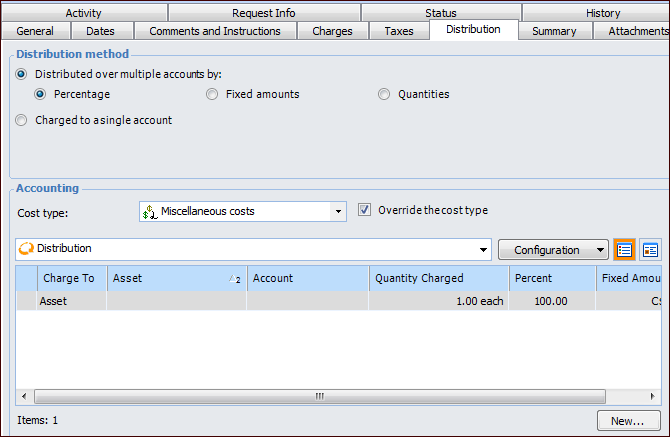
Select Distributed by line. Distributing costs by line enables you to include purchase order lines from a variety of sources, such as purchase demands from more than one work order.
4.
Select the Lines tab.
5.
Open a purchase order line and select the Distribution tab. APM enters the charging information from the supplier resource by default, but you can override the cost type and account number if necessary.
6.
7.
Repeat steps 5 and 6 for each line on the purchase order.
8.