|
|


Changing the Status of FMECA Failure Modes and Analyses
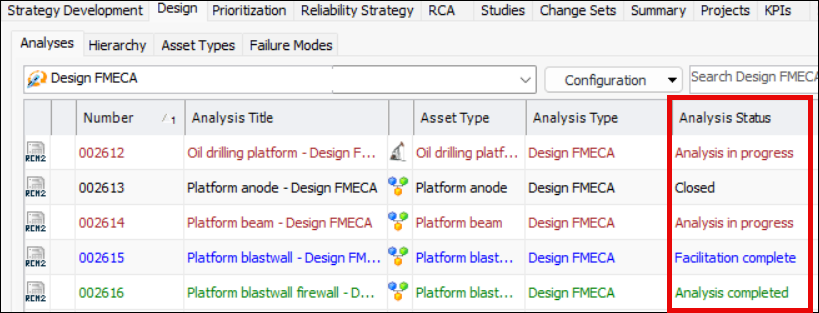
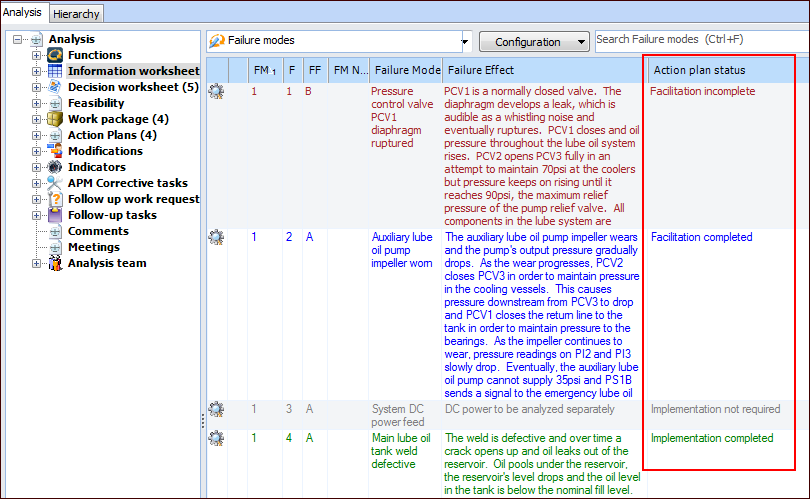
You can keep track of the FMECA process by monitoring and changing the status of analyses and failure modes. For example, the site’s Strategy Development view, Design tab, Analyses tab displays the statuses of the analyses in the Analysis Status column:To view the statuses of failure modes, open the analysis, select the Explorer view and then the Information worksheet node. The Action plan status column displays each failure mode’s status. For example:
To Change the Status of a Failure Mode
To Change the Status of an Analysis