|
Revisiting FMECA Failure Mode Copy Requests
You can revisit a failure mode copy request after the Failure Mode Copy wizard has been closed. The Copy Requests tab is available for the site and individual analyses. The actions you can perform on a copy request include:
•To View and Open Copy Requests
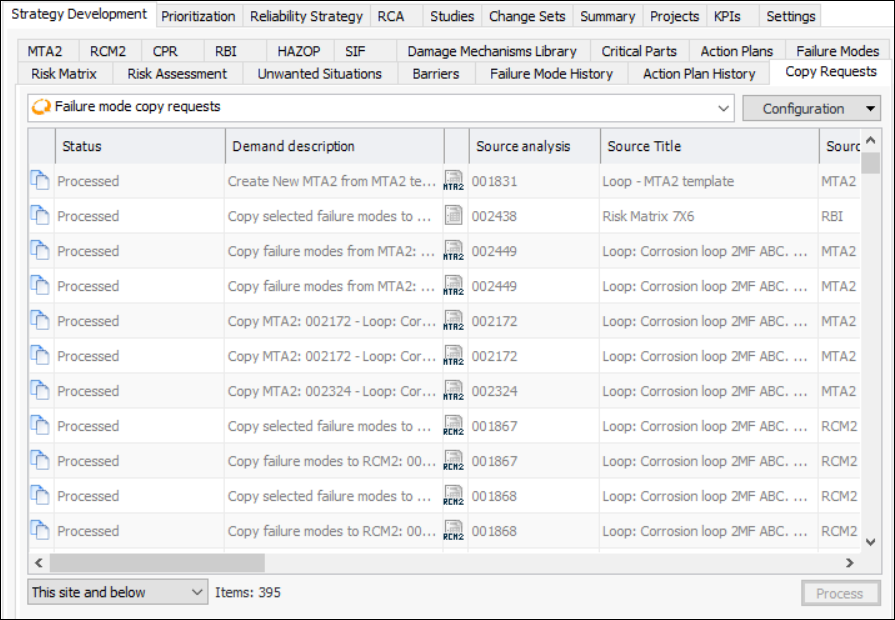
• On the Site window, select the Strategy Development view and tab, and then the Copy Requests tab. This tab displays all of the copy requests for the site. The following configurations are available: failure mode copy requests, processing to be reviewed, not processed, and processed.
• Open the analysis. On the History view, select the Copy Requests tab. This tab displays the copy requests that reference the analysis as either a source or target.The Copy Requests tab lists each request’s status, description, source and target, and more. Here is an example for the site:
• Being defined – the copy request has not yet been fully defined
• Ready to process – the copy request was saved and closed after the matches were reviewed
• Process pending – processing was deferred to be completed later, either manually or by the “Process Failure Mode Copies” scheduled action
• Processing started – processing was canceled after it started
• Processed – the copy process finished without errorTo Resume Defining and Processing a Copy Request
1. In the site’s Copy Requests tab, select Not Processed from the list of configurations. Only copy requests that have not been completed are displayed.
2. Right-click the request and click Resume Definition. The Copy Failure Mode wizard opens, showing the page where the definition process stopped.
3.To Mark Processed Requests as Reviewed
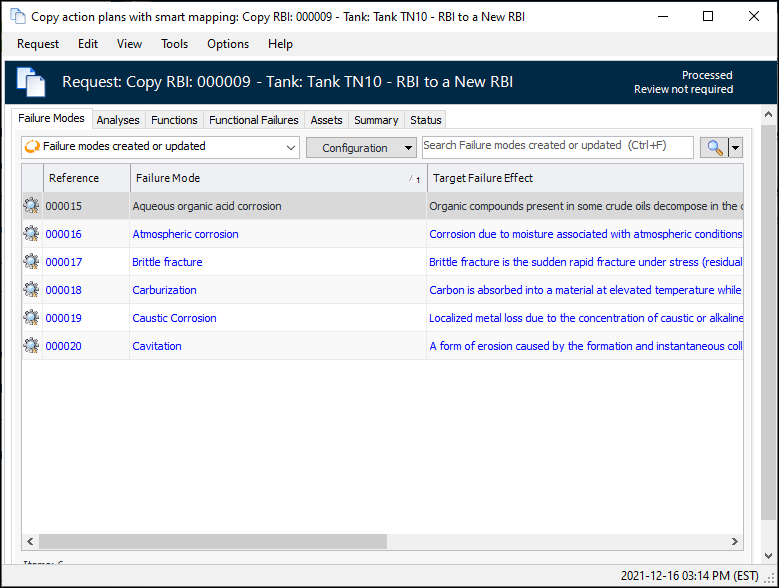
1. In the Copy Requests tab, select Processed from the list of configurations. The list of copy requests changes accordingly.
2. Right-click a request and select either Mark As Processing to be Reviewed or Mark As Processing Reviewed.In the Copy Requests tab, you can scroll to the right to see the Processing Review Status column. You can also select “Processing to be reviewed” in the list of configurations.