Adding Indicator Templates to FMECA Action Plans

When an action plan’s recommended action is condition-based maintenance, failure-finding maintenance, scheduled restoration, or scheduled discard, you can browse for indicator templates to add to the action plan.

To Add Indicator Templates to an Action Plan
1.
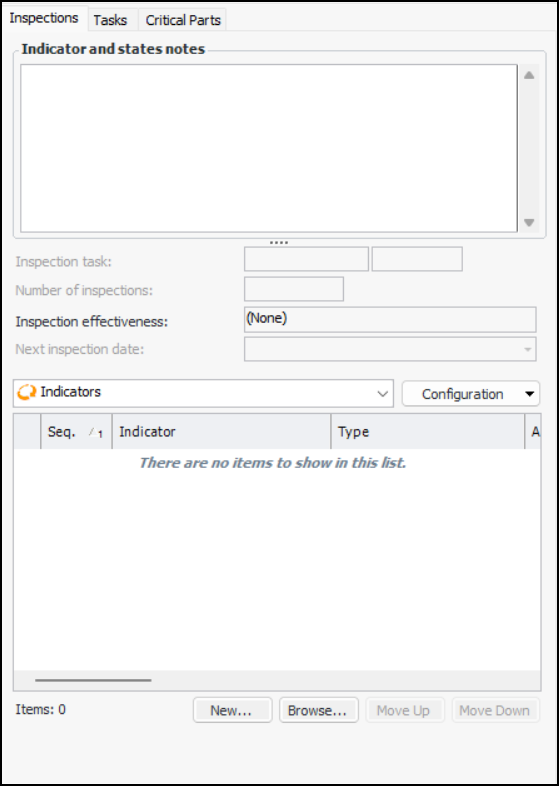
On the Primary Action Plan tab, select the Inspections tab. For example:
2.
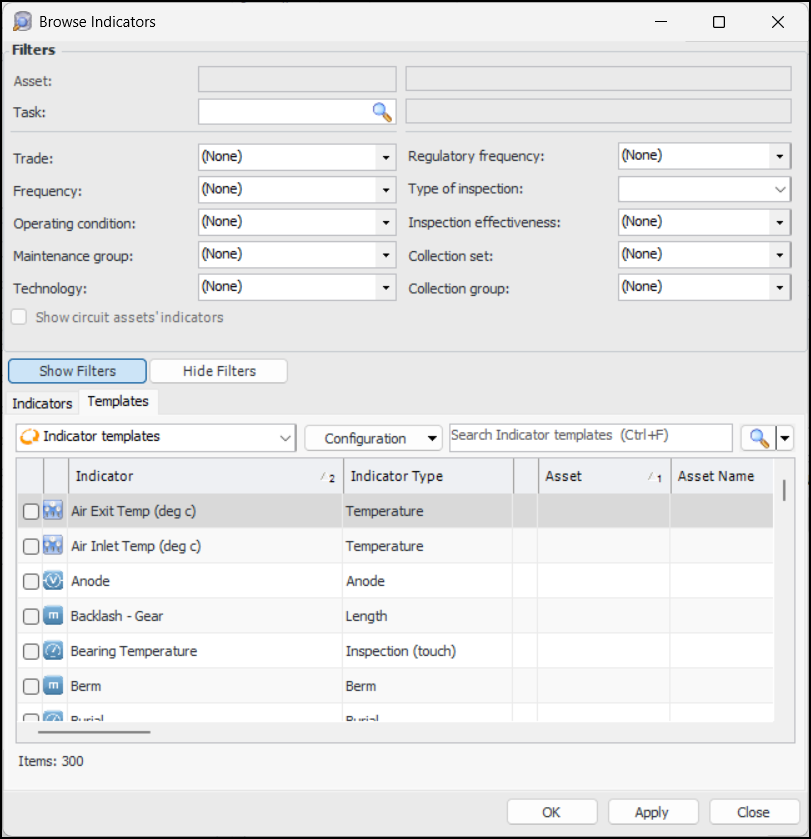
To add an indicator template, click Browse at the bottom of the tab. The Browse Indicators window opens. Select the Templates tab. For example:
3.
Select the templates you wish to add and click OK. The templates are added to the Indicators table.