|
Adding Task and Job Templates to FMECA Action Plans
To Add a Task or Job Template
1. Open the Maintenance Action Plan window and select the Implementation view.
3.
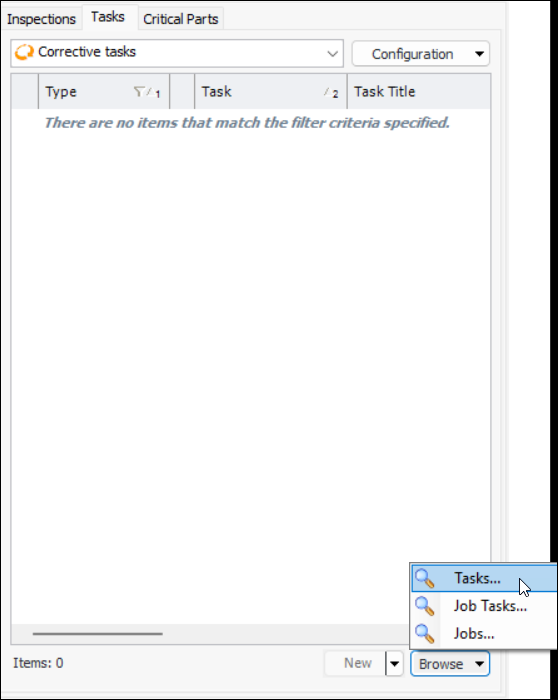
• Select an option from the Browse list:
• Click OK. The item is added to the action plan.
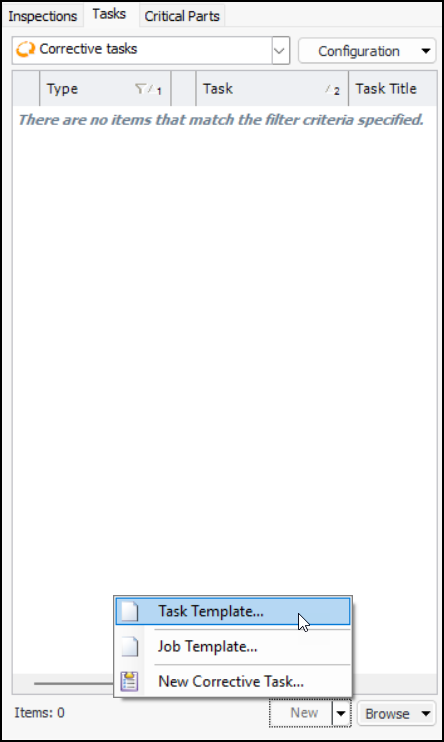
• Select an option from the New list: