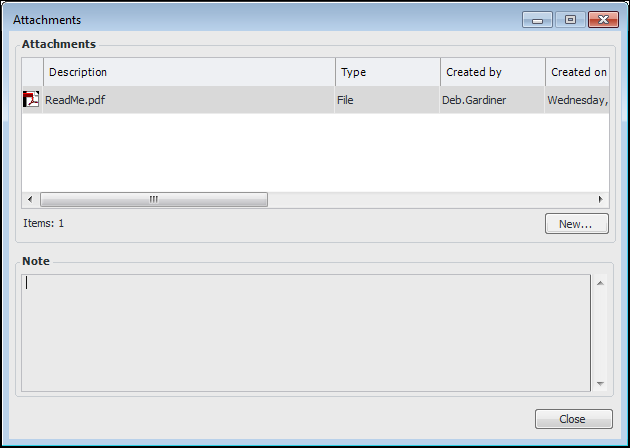
Concepts Tasks Deleting Attachments You can delete all attachments or individual attachments from an object. To Delete All Attachments 1. Open the object for which you want to delete attachments. If there are attachments for the object, a paper clip button is displayed in the banner. 2. On the Tools menu, click Attachments and then Delete All. The attachments are removed, as well as the paper clip icon. To Delete Individual Attachments 1. Open the Attachments dialog in one of these ways: • Click . • On the Tools menu, click Attachments and then View. The Attachments dialog appears. For example: 2. Right-click the attachment and click Delete. In the confirmation message that appears, click Yes. 3. Click Close in the Attachments dialog.



 .
.