|
Defining Improvement Opportunities
To Define an Improvement Opportunity
1. From the Site window, select the Strategy Development view, Settings tab. Select the Prioritization tab and the Asset prioritization settings node in the tree.Tip: You can also select the Administration menu, Strategy Development Settings, and then Asset Prioritization. The Asset Prioritization Settings dialog appears.
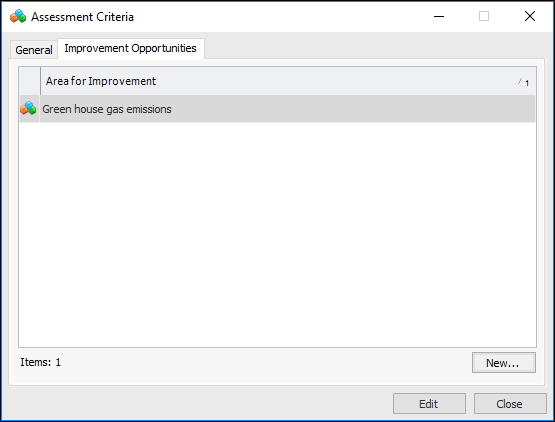
2. Select the Prioritization tab, Analysis Criteria tab and open the criterion you wish to work on. The Assessment Criteria dialog appears.
3. Select the Improvement Opportunities tab.
4.
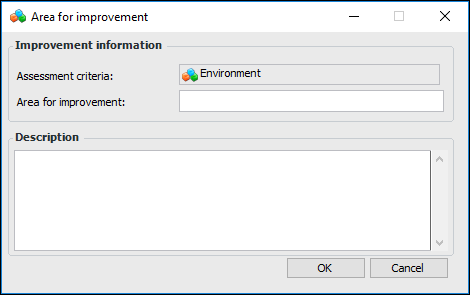
6. Click OK to save the information and close the Area for Improvement dialog.
7.
8.
9. Click Close to close the Assessment Criteria dialog.