
|
Defining Consignment Resources and Prices for a Supplier
To Define a Consignment Resource for a Supplier
1.
2. On the Suppliers tab, open the supplier for which you want to create consignment supplier resources. The Supplier window appears.
3. Select the Resources view. This view lists all of the resources currently supplied by this supplier.
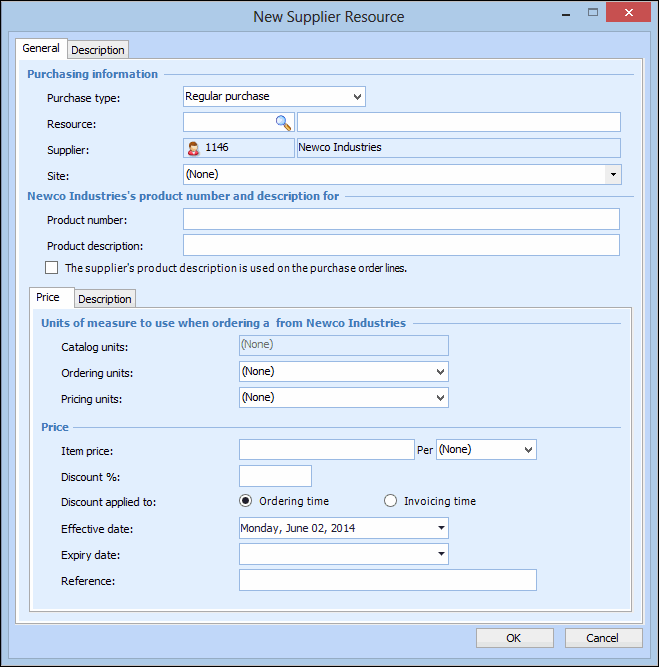
4. To add a supplier resource, click New. The New Supplier Resource dialog appears.
5.
6.
7. In the Site box, select the site for which this supplier resource and price applies.
8.
9. Fill in the Units of measure and Pricing information sections. For Price type, you will typically select Regular price. A Special price is usually associated with a special set of terms and conditions, lead-time, or supplier promotion.
10.
11.
12.