|
|


Defining a Consignment Agreement for a Supplier
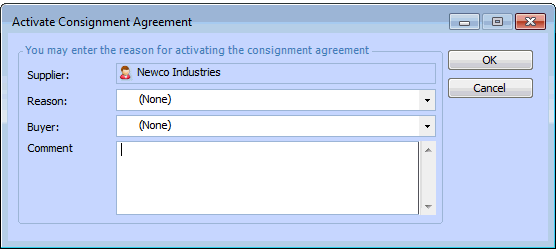
After you select the Activate consignment agreement option, the Activate consignment agreement dialog is displayed. On this dialog you can enter the reason for activating consignment support and a comment about the consignment agreement. This information is added to the supplier’s status change history for future reference.To Activate a Consignment Agreement for a Supplier