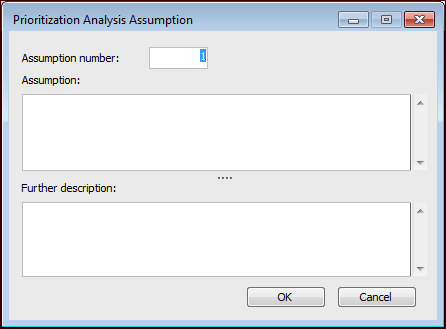
Concepts Tasks Settings Recording Prioritization Analysis Assumptions You can record any assumptions that have been made as part of your analysis. These might be statements about operating context, current PM programs, and so on. To Record a Prioritization Analysis Assumption 1. From the open prioritization analysis, Properties view, General tab, select the Assumptions tab. 2. Make sure that editing is enabled. 3. Click New. The Prioritization Analysis Assumptions dialog appears. 4. Enter a brief description of the assumption and any further description you feel is necessary. 5. Click OK to save the assumption. 6. Repeat steps 3 to 5 for each assumption you need to enter.



 is enabled.