
|
Previewing a Purging Rule
To Preview a Purging Rule
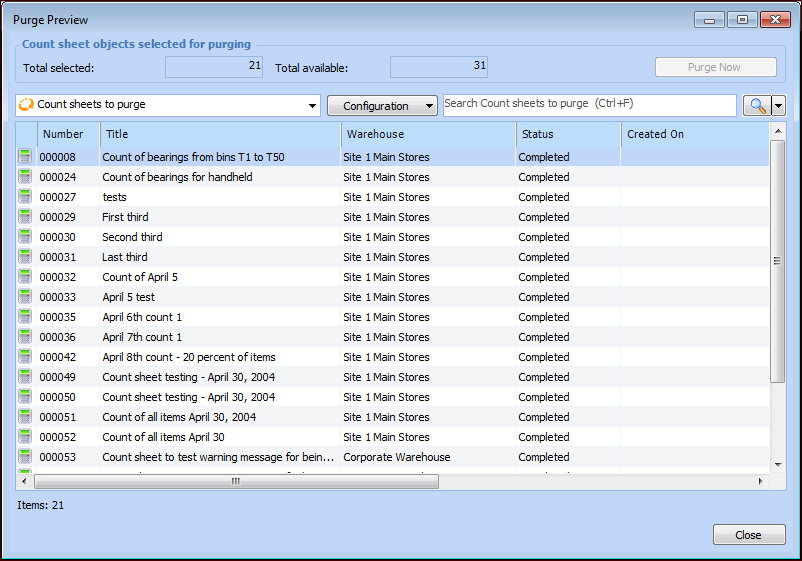
• On the Data Management view, Data Purging tab, Purging Rules tab, select the purging rule in the list and click Purge Preview.
• Open the purging rule. On the Purging Rule dialog, General or Selection Criteria tab, click Preview.This dialog lists all of the items in the database that meet the selection criteria. The number of items is shown in the Total selected box. The Total available box displays the number of items of that object type (for example resource transactions) in the database.
2. Click Close when you are finished viewing the preview.Tip: If the purging rule has been activated, you can purge the instances previewed in the dialog. Click Purge Now in the upper right-hand corner of the dialog. For more information, see Manually Executing a Purging Rule.