|
|


Activating and Suspending Purging Rules
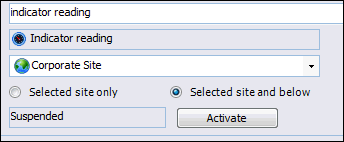
Tip: You can view a record of the actions performed on the purging rule on the History tab. For more information, see Viewing a Purging Rule’s History and Audit Files.To Activate a Purging Rule
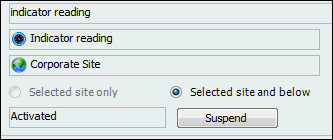
To Suspend a Purging Rule