Viewing Import History

You can view import history for any of the classes that have been imported into APM.

To View Import History

1.
2.
Select the Data Loaders view and then the staging table tab, for example, Assets.
3.
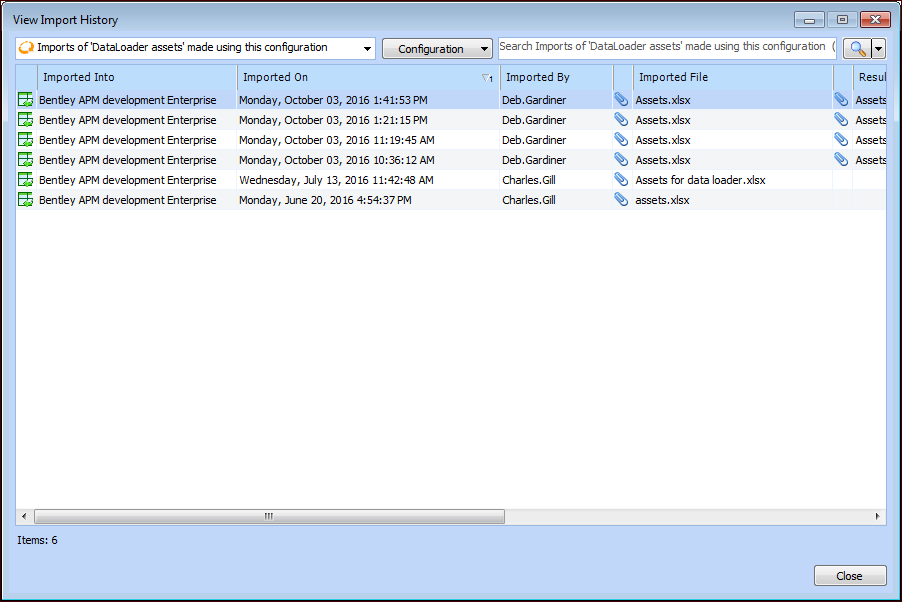
In the Import list, select View Import History. The View Import History dialog appears. Here is an example for assets:
4.
5.
6.
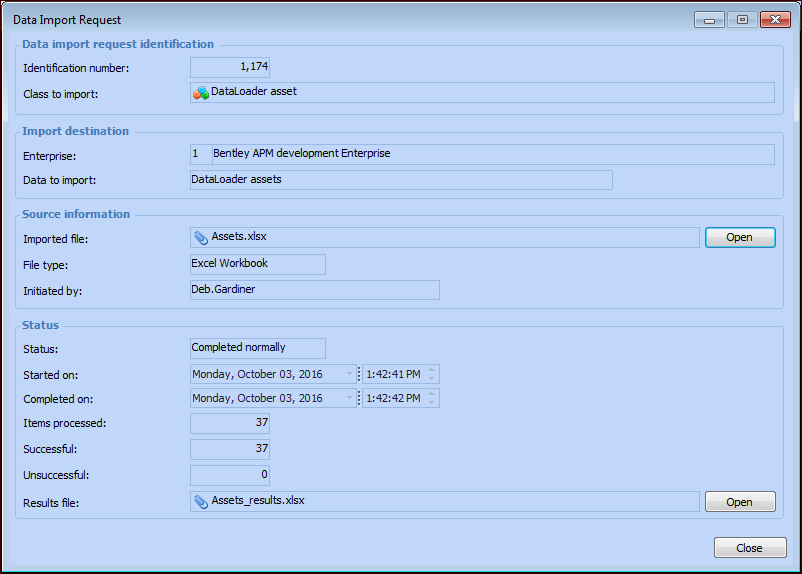
When you are finished, click Close to close the Data Import Request dialog.
7.
Click Close to close the View Import History dialog.