|
Customizing UI Controls from the User Interface
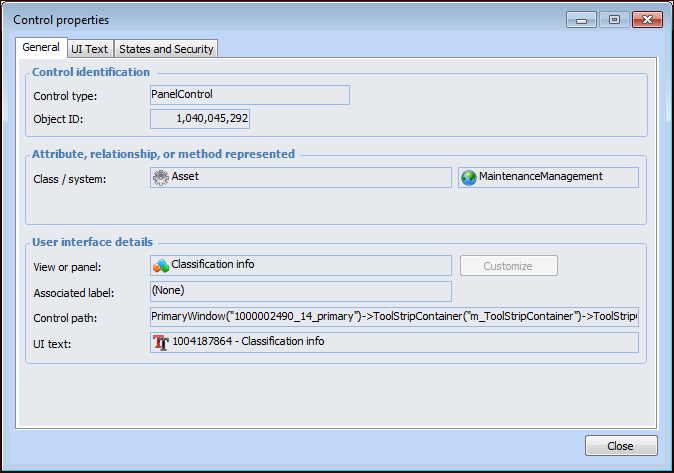
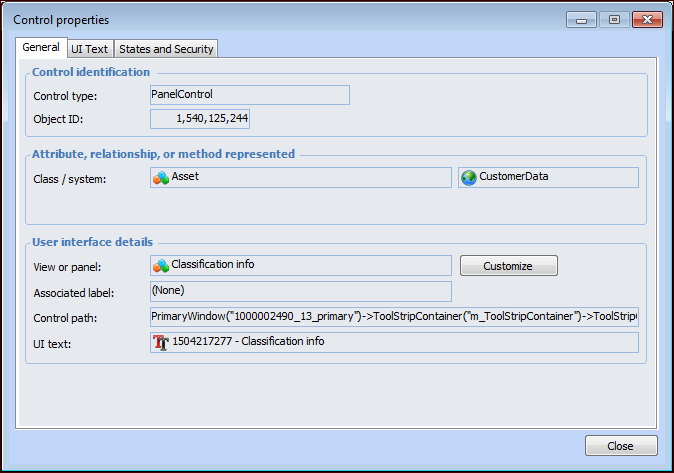
To Open the Control Properties Dialog
3.To Customize the User Interface
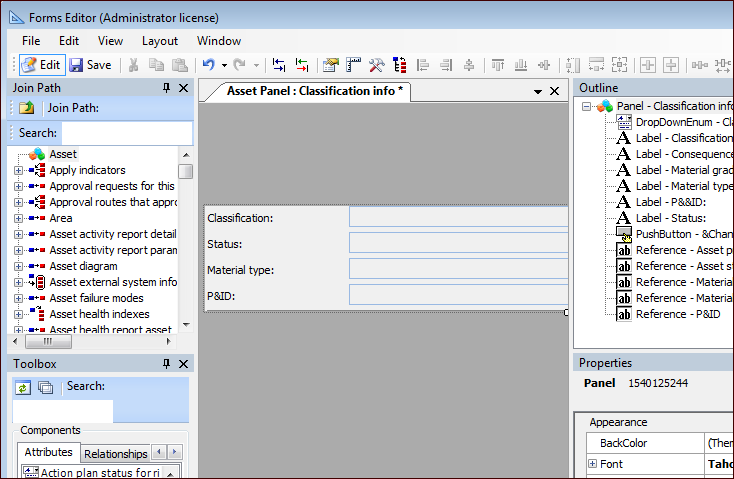
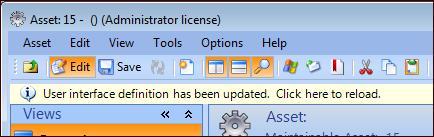
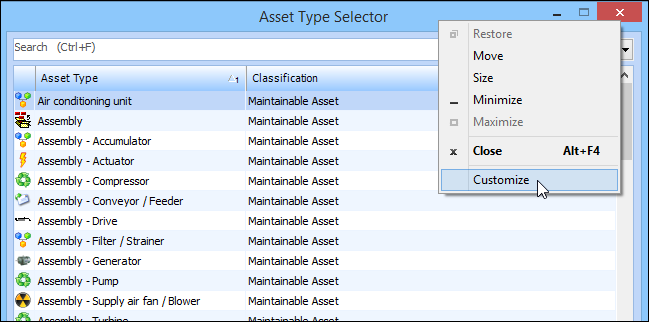
3. To edit the view or panel, click Customize. The Forms Editor appears, for example:Tip: You can right-click the banner of a dialog and select Customize to invoke the Forms Editor directly from the UI, rather than launching the Forms Editor from the Customization Center view. For example: