|
Viewing Data Members
To View Data Members
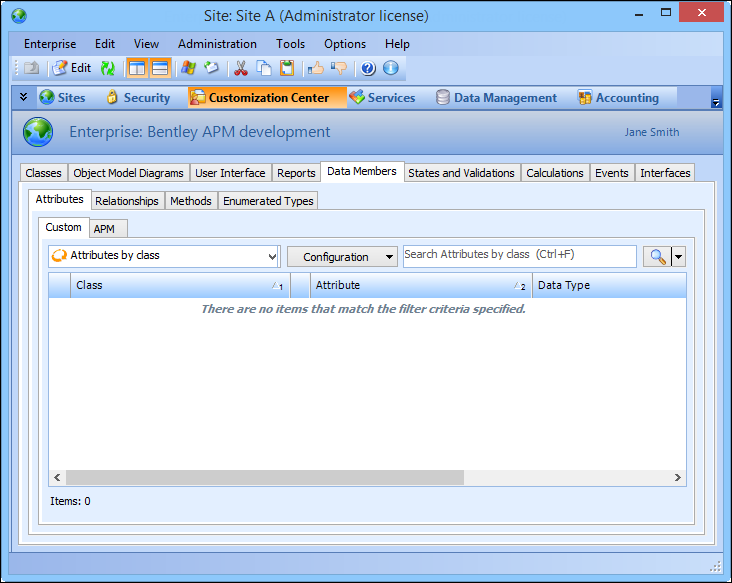
2. Select the Customization Center view.
3. Select the Data Members tab.
4. Select the Attributes tab and then the Custom or APM tab to view the custom or APM attributes respectively.
5. Select the Relationships tab and then the Custom or APM tab to view the custom or APM relationships respectively.
6. Select the Methods tab and then the Custom or APM tab to view the custom or APM methods respectively.
7. Select the Enumerated Types tab and then the Custom or APM tab to view the custom or APM enumerated types respectively.