|
Creating a Supplier Resource Tax
To Create a Supplier Resource Tax
1.
3. Select the Taxes and Extra Charges tab. The table at the top of the tab lists the existing taxes that apply to this supplier resource.
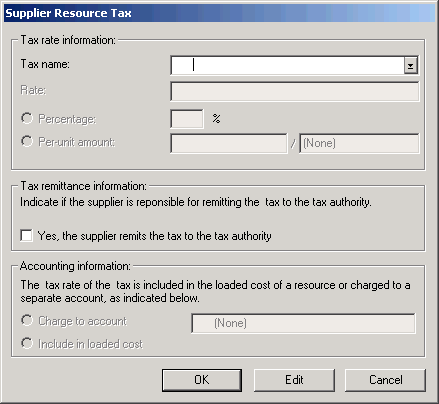
4. Click the New button in the top table. The Supplier Resource Tax dialog appears.
5.
7. Click OK. The tax is now added to the supplier resource. Whenever this supplier resource is added to a purchase order, the amount of this tax is added to the item.