|
Creating a Blanket Order
You can also create a blanket order from a contract. Please see Creating a Blanket Order From a Contract.To Create a Blanket Order
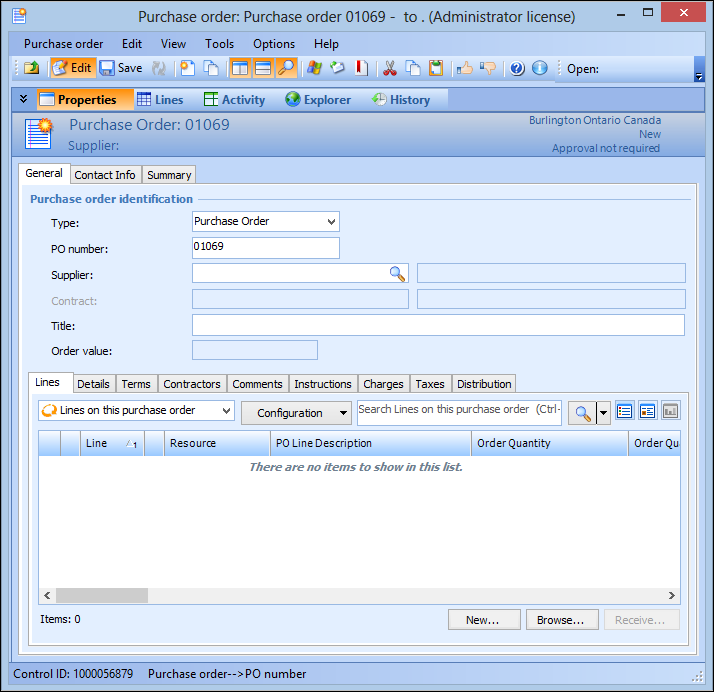
1. From the site’s Purchasing view, select the Purchase orders tab, and then the Purchase Orders tab. By default, this tab lists all open purchase orders for the site.
2. Select Open Blanket Orders configuration. The tab now lists the list of open blanket orders for the site.
3.
4. Choose the Supplier for the order.
5.
6. If the blanket order relates to a contract, select the Contract from the list. If you select a contract, you will only be able to add contracted resources to the blanket order.
7. Select the Terms tab to enter the Deliver to warehouse, FOB point, Freight, Payment, and Shipping mode applicable to the blanket order.
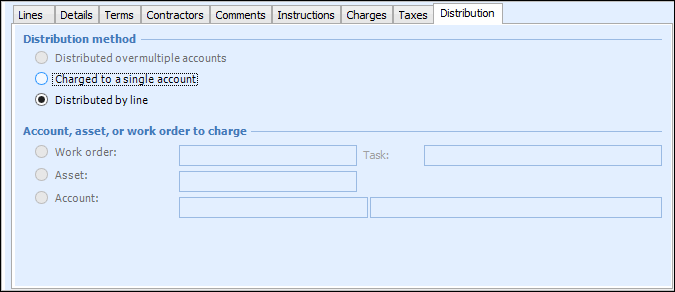
8. Select the Distribution tab.
9. Choose Distributed by line. Selecting the account to charge for each line separately enables you to add single lines to blanket releases. Each line contains its own charging information.
10. Select the Comments tab to enter any comments you would like to include with the blanket release purchase order.
11. Select the Contact Info tab. Select the Supplier contact, and the method you will use to send the blanket releases to the supplier.
12.
13. When you are finished, Save the blanket order.