
|
Creating a Standard Job from Scratch
To Create a Standard Job from Scratch
1.
2.
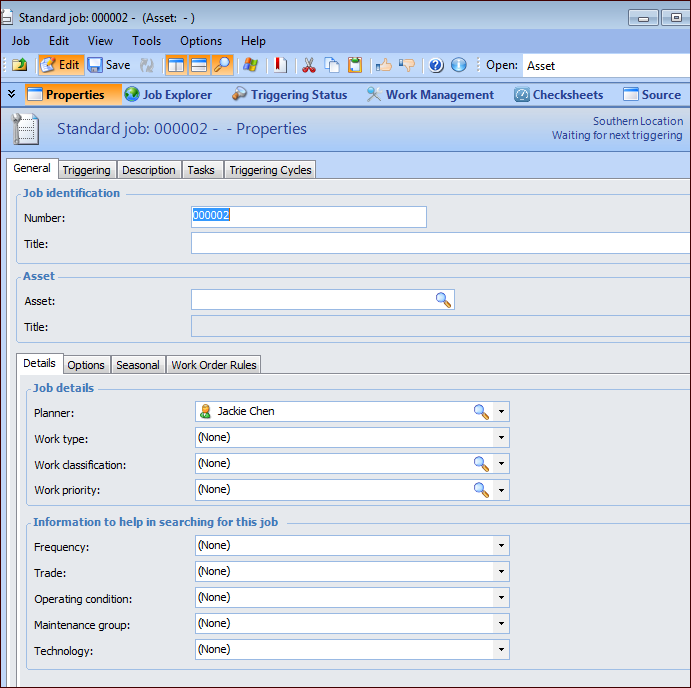
5. Click Browse and select an asset in the Asset Selector dialog. Click OK. Information about the asset, as well as any work document defaults it or its descendants have are shown in the window.
6. On the Details tab, select a planner from the list.
11. You can add a detailed description of the job on the Description tab.
•
•