|
Creating a Standard Job from a Template
To Create a Standard Job from a Template
1.
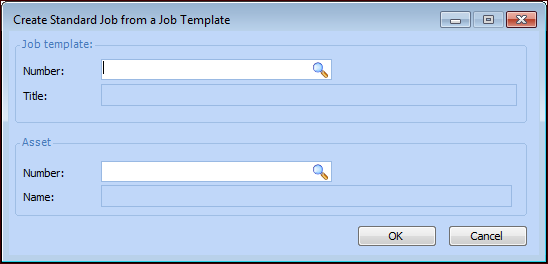
2. In the New list at the bottom of the tab, click From a template. The Create Standard Job from a Job Template dialog appears.
4.
5. Click the browse icon to select an asset. In the Asset Selector dialog, select an asset and click OK. APM uses the asset that you selected as the asset that controls the triggering for the standard job.
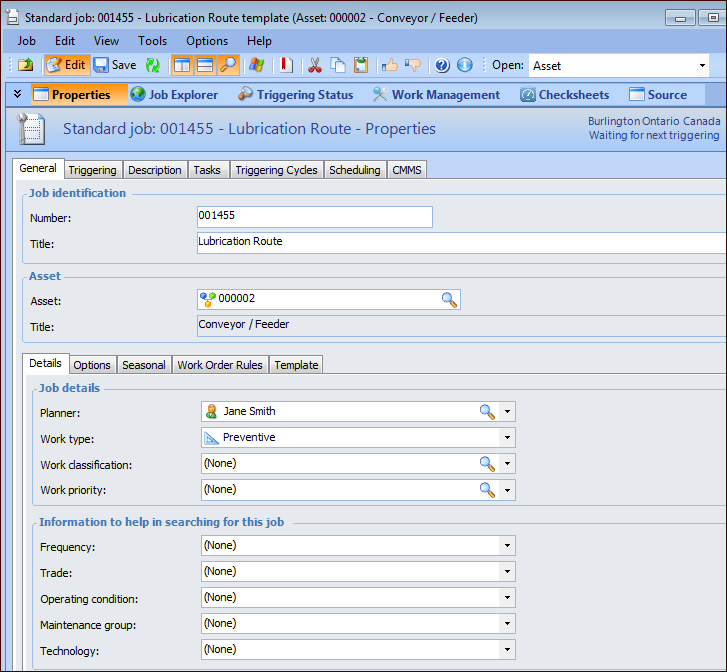
6. Click OK. The Standard Job window appears. For example:Tip: The Template tab displays the source of the standard job.