Creating a Preventive Maintenance Route

A preventive maintenance (PM) route is a type of standard job that consists of a series of similar standard tasks performed on a number of similar assets. For example, you might create a PM route to perform vibration analysis on a number of assets.
You can create a work order from the PM route whenever you need to perform it. You can also link triggering rules to the PM route so that APM will create a work order when necessary.

To Create a PM Route

1.
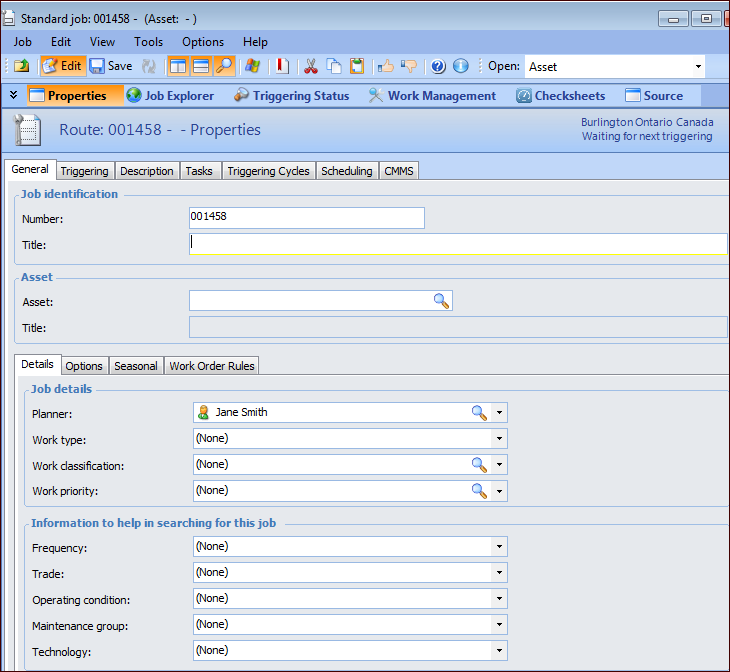
From the site, select the Tools menu, New, Reliability Program, and then PM Route. The Standard job window appears, open to the General tab.
2.
Note: PM routes, standard jobs, and job templates share a numbering system and must have unique identifying numbers. A PM route cannot have the same number as a standard job or a job template.
3.
4.
On the Details tab, select a planner from the list.
5.
6.
7.
8.
9.