Creating a Blanket Release

When you want to purchase items on the blanket order, create a blanket release. Each release is linked to the blanket order from which it was created through a two-part identification number. The first part is the number of the blanket order and the second part is the number specific to this release.
You can select the specific lines on the blanket order that you want to include on the release; you do not have to purchase all lines each time. In addition, you can adjust the quantities as necessary. Blanket releases do not require approval, but they do go through a life cycle that includes being created, printed, sent to the supplier, and received.
Note: When you create a blanket release, the system uses the current price for the supplier resource, which may be different than the price originally selected on the blanket order line.

To Create a Blanket Release

1.
2.
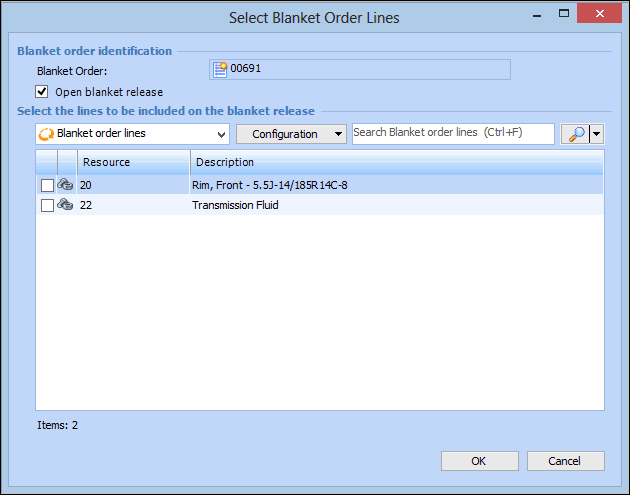
Select the Activity view, then the Releases tab, and then click New Release. The Select Blanket Order Lines dialog appears.
3.
Select the blanket order lines you want to include and then click OK. APM displays a status box while the blanket release is created. Once the release is created, APM opens it.
4.
5.