Creating User Groups

Table configurations can be shared with user groups to eliminate the need for users to manually create identical configurations. See Sharing a Table Configuration.
This topic explains how to create user groups.

To Create a User Group

1.
2.
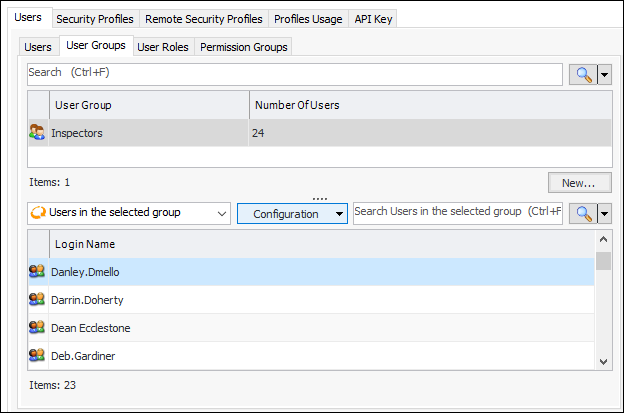
On the Security view, select the Users tab and then the User Groups tab. The first table lists all APM user groups. Select a group to view a list of its members in the second table. For example:
3.
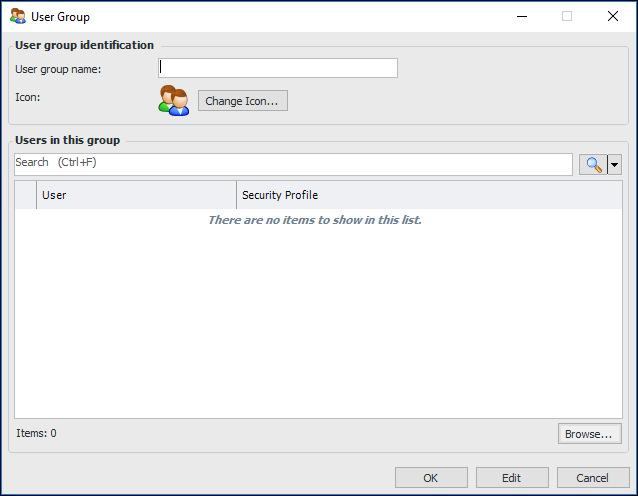
Click New. The User Group window appears:
4.
5.
Click Browse to open the User Selector dialog. Select the users to add to the group and click OK.
6.
Click OK to close the User Group window.