|
|


Creating Cross Hair Settings for a Chart
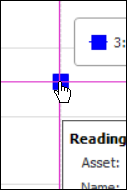
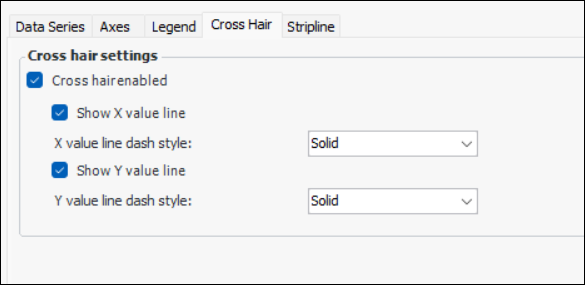
Cross hair settings can be enabled on any APM chart, except pie and donut charts. You can enable the cross hair on the x value line, y value line, or both, and set the dash style for x and y lines. In this example, the cross hair lines are pink:Note: You can also set cross hairs on a chart’s data series, on the Graph Data Series dialog. Using the Format style setting, you can add a format pattern to set the information displayed. See Defining Custom Data Series for a Chart.To Set Cross Hairs for a Chart