|
Creating a Calculation Condition
To Create a Calculation Condition
2. Select the Customization Center view.
3.
4. Select the Conditions tab. This tab displays a list of calculation conditions for the enterprise.
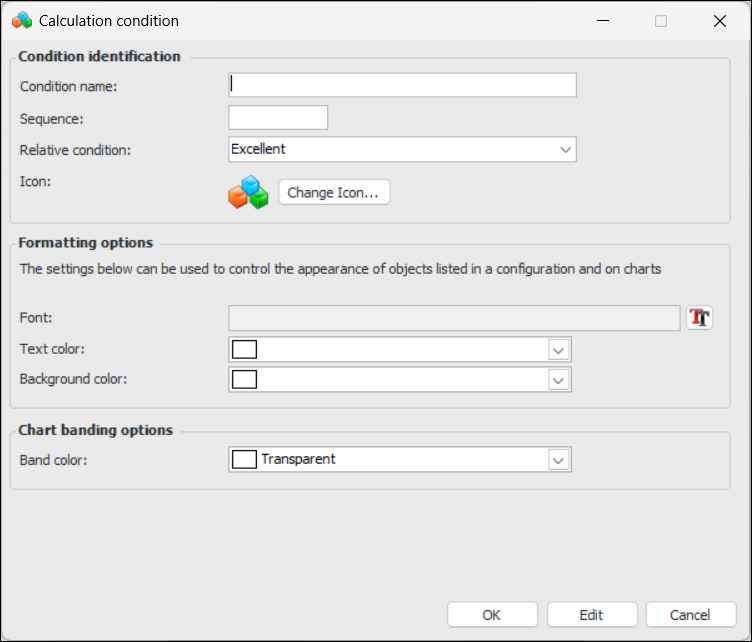
5. Click New. The Calculation Condition dialog appears.
8. Select the Relative condition from the list.
9. In the Formatting options area, select a font, text color, and background color to be used in tables.
10. In the Chart Banding options area, select a color for the band to be used in charts.
11. Click OK to save the changes. The calculation condition appears in the list.