|
Creating a Calculation Type Variable
•To Create a Calculation Type Variable
1. Open a calculation and select the Calculation tab.
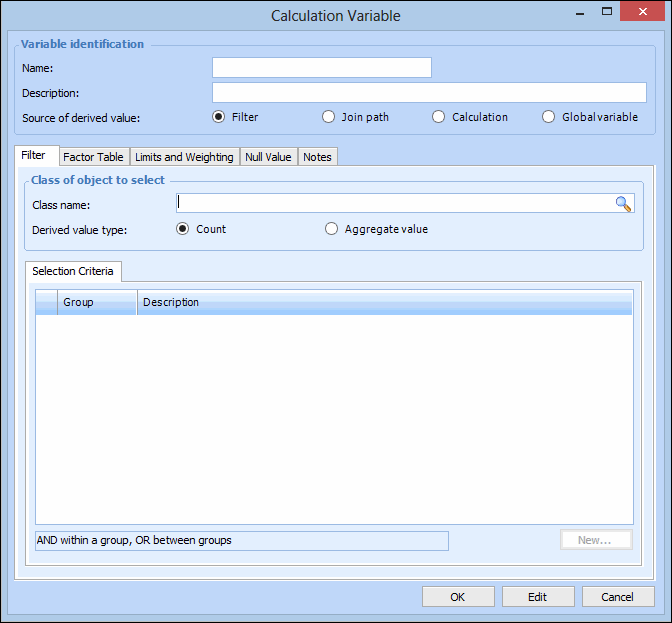
3. Click New. The Calculation Variable dialog appears.
6.
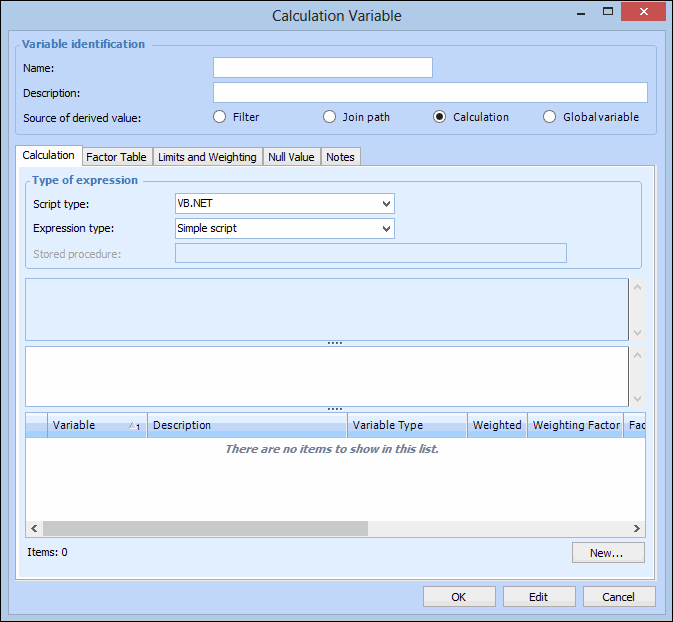
• VB.NET – Inputs and functions defined on the Calculation tab can be used to create a formula that is calculated at run time. This is the default option
• C# – Inputs and functions defined on the Calculation tab can be used to create a formula that is calculated at run time
• Stored procedure – The expression is provided in a stored procedure that receives its inputs at runtime and returns a valueWith the Complete class option, a starter script template is provided automatically, which you can edit as needed. You can also click Regenerate from Template to reset the formula to the starter script.Tip: You can view the template scripts by opening the Enterprise window, clicking the Administration menu and then Calculation options. For more information, see Defining Calculation Options.
•
10. Select the Factor Table tab to convert the derived value using a factor table. For more information, see Defining a Factor Table for a Variable.
11. On the Limits and Weighting tab, enter any maximum or minimum values applied to this variable, and weighting factors, if needed. For more information, see Assigning Calculation Variable Limits and Weighting.
12. On the Null Value tab, select the behavior when the value for the variable returns a null value. For more information, see Assigning a Calculation Variable Null Value Behavior.
13. On the Notes tab, you can enter any additional information about this calculation variable.
14. When you are finished, click OK to save the variable and close the dialog.